No products in the cart.
Features and Use Cases 

Explore the features inside Styleboard and see how you can use them to build a room plan, test options, and move toward checkout.
PRODUCT FEATURES
There is so much you can do with Styleboard.
From quick moodboards to full room plans, Styleboard helps you test ideas, make decisions faster, and commit with confidence.
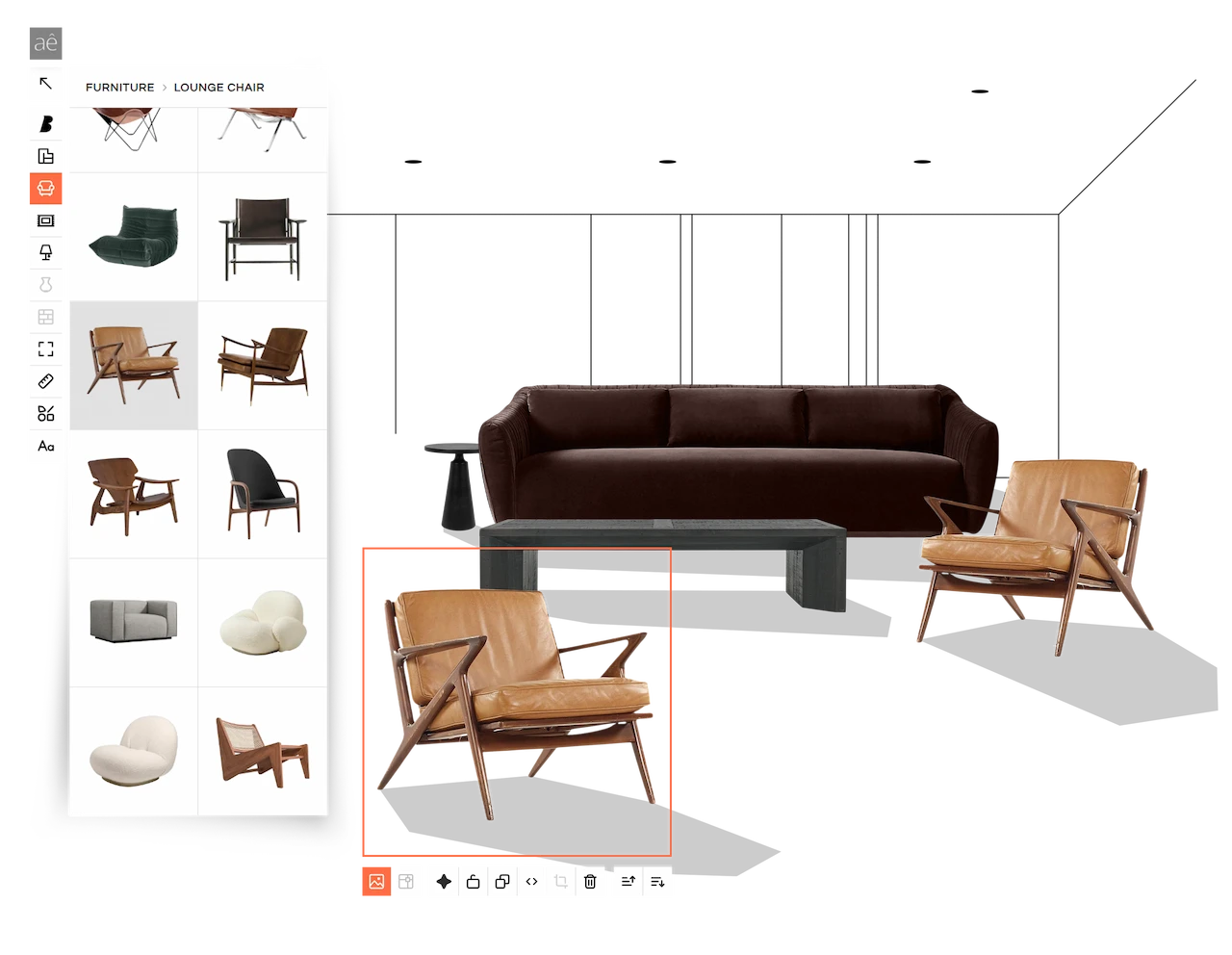
Drag, drop, and build the room in minutes.
Styleboard is your workspace for designing a room visually. Select Furniture, Rugs, Lighting, or Accessories to browse categories, apply filters, and pick a product, then drag it onto the canvas.
Each product includes multiple angles, so you can add the view that works best. If a swatch image isn’t available, you can generate a quick Preview and add that instead. From there, mix and match pieces, move them around, and try different combinations until the room feels right. You can also upload a photo of something you already own to design around it and keep everything cohesive.
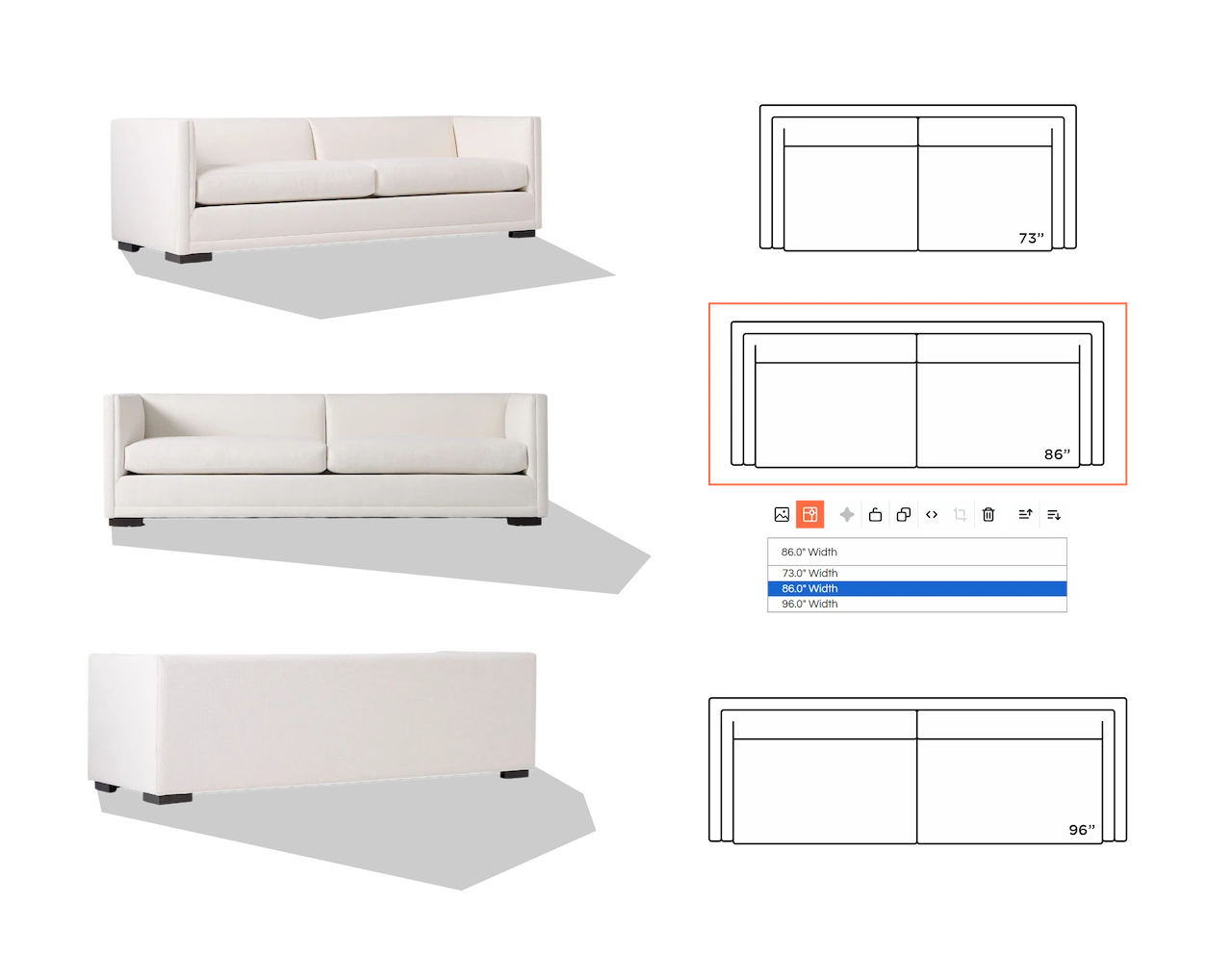
Real products, with images and accurate top views.
Every item is a real shoppable product. After you add something to your Styleboard, you can toggle between the product image and its top view with just one click.
Use the image for styling, collages, and Preview, then switch to top view when you’re planning your layout with real dimensions. That way you can feel confident about both the look and the fit.
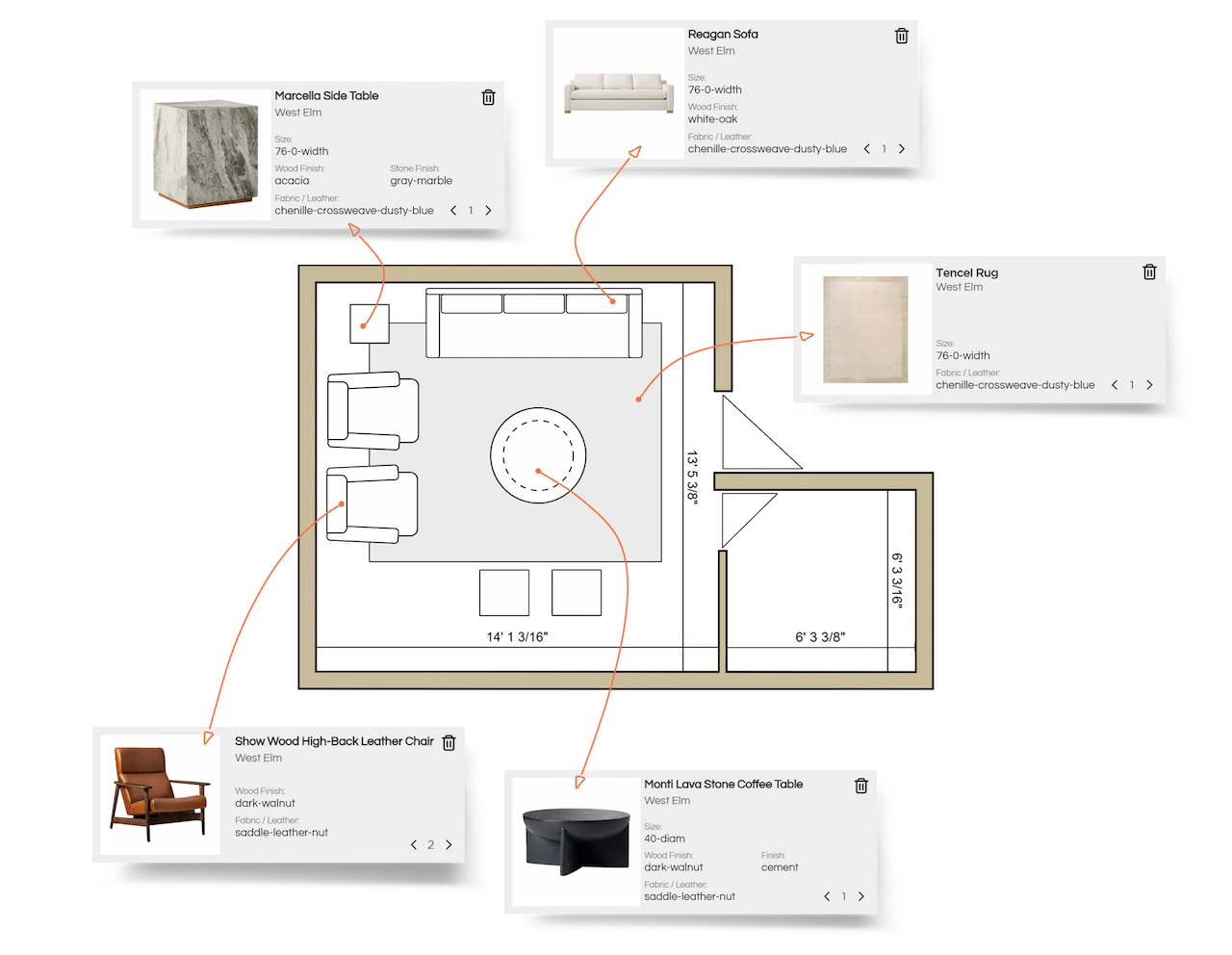
Draw your space and design to scale.
Draw your layout with real dimensions, then place real products using accurate sizing so you can see what actually fits. Try different layouts and arrangements in minutes, like swapping a sectional for two sofas, or testing one larger sofa with 2 chairs.
Because everything stays to scale, you can plan circulation and spacing clearly and avoid guesswork, costly mistakes, and unnecessary returns.
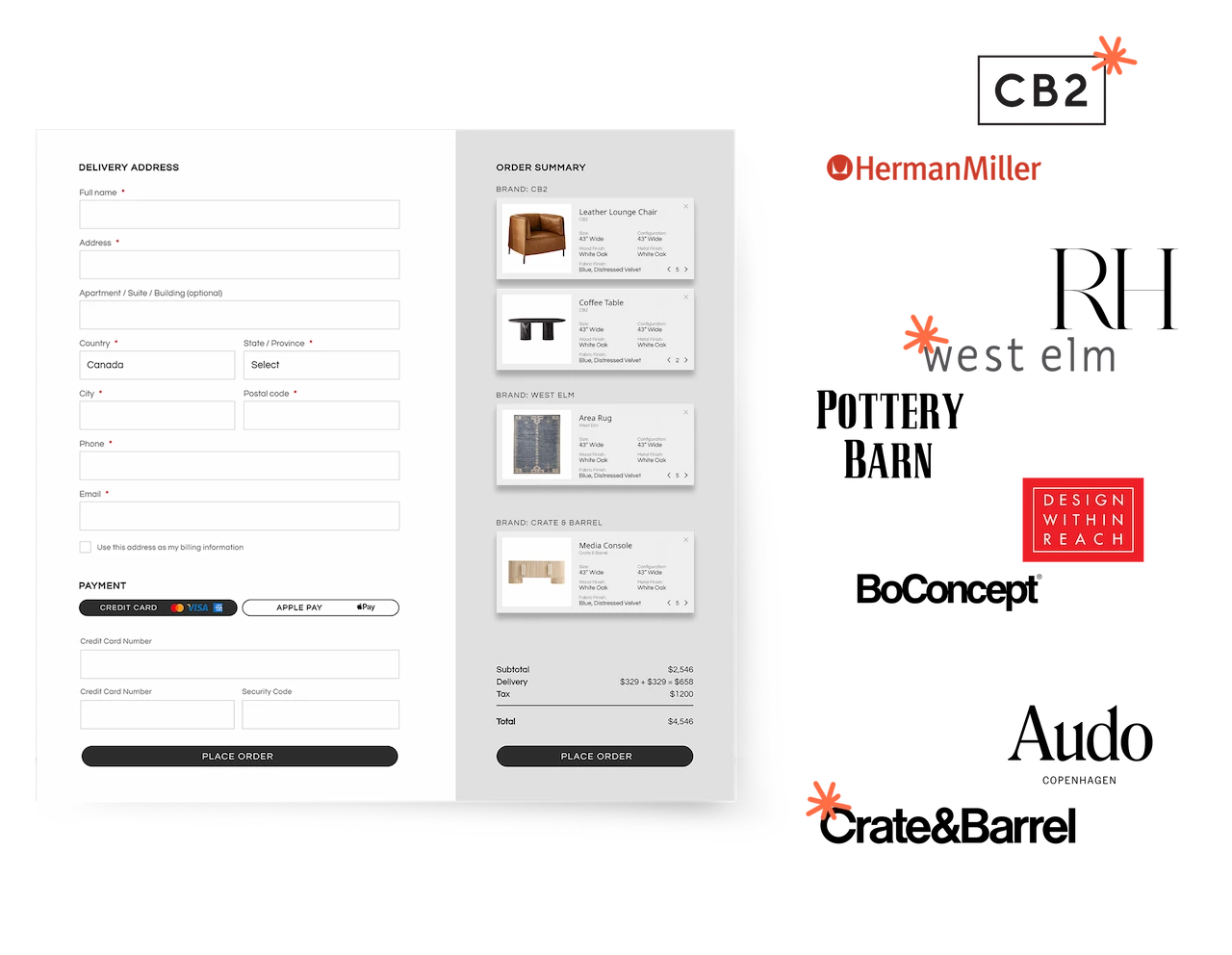
Single checkout, even across multiple brands.
Furnishing a home usually means juggling multiple carts, checkouts, and confirmations. In Styleboard, you can compare products from different brands in one place, swap options, and see how everything works together as you build.
You can also compare key details like measurements, finishes, and delivery timelines before you commit, and if a brand doesn’t match your preferences, you can swap in another option. When you’re ready, you checkout once, even if your quote includes items from multiple brands.
But wait! There’s more…
You’ll always be in charge of the design, and these tools are here to help you explore options, verify details, and stay organized.
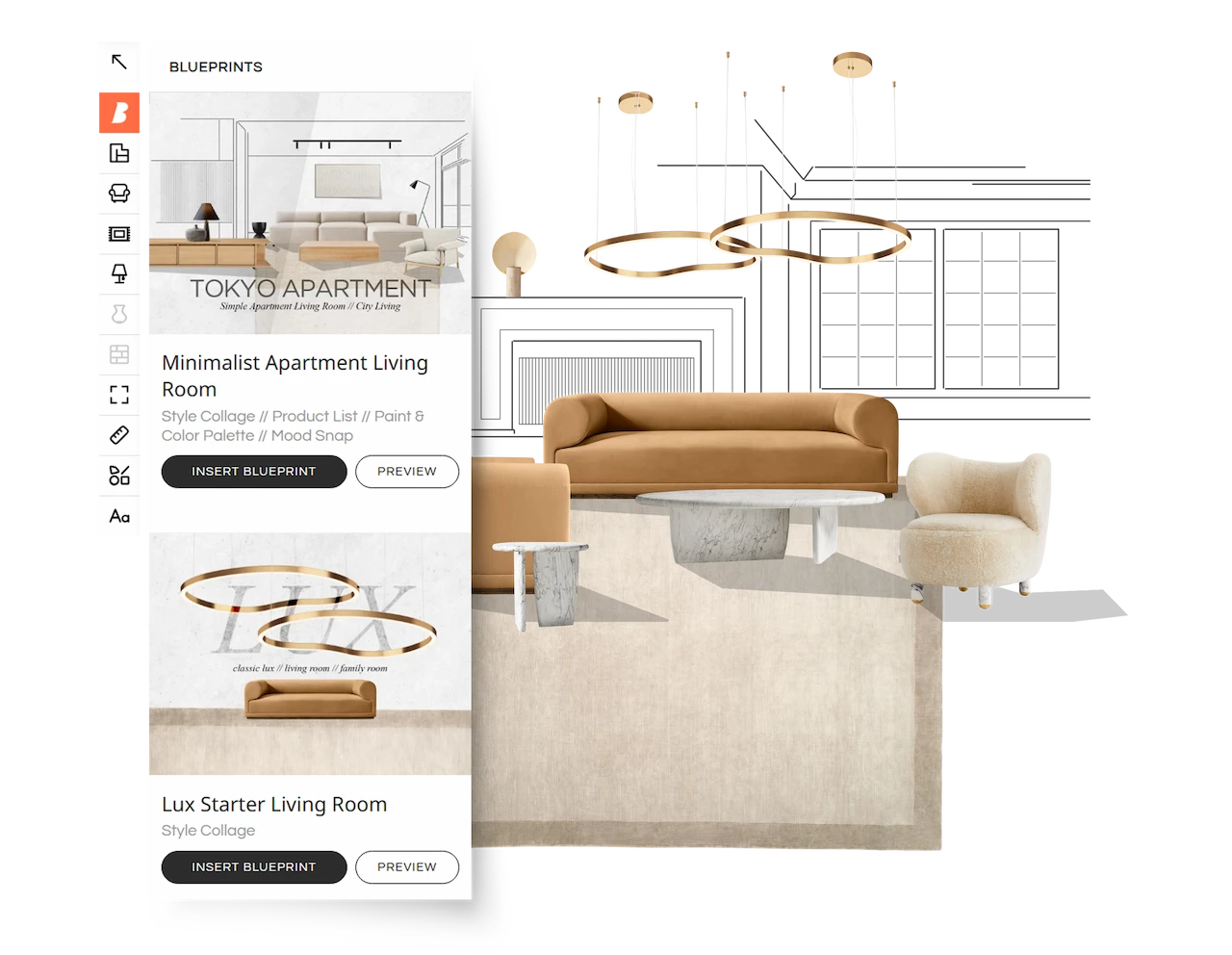
Start from a pre-designed Blueprint, not a blank page.
Blueprints are ready-designed templates you can start from if you’re not sure where to begin. They can include a style collage, a room plan, color and material palettes, and a product list. If you like a Blueprint, open it in Styleboard and swap a piece or two for products you prefer. It’s an easy way to get started and build from there.
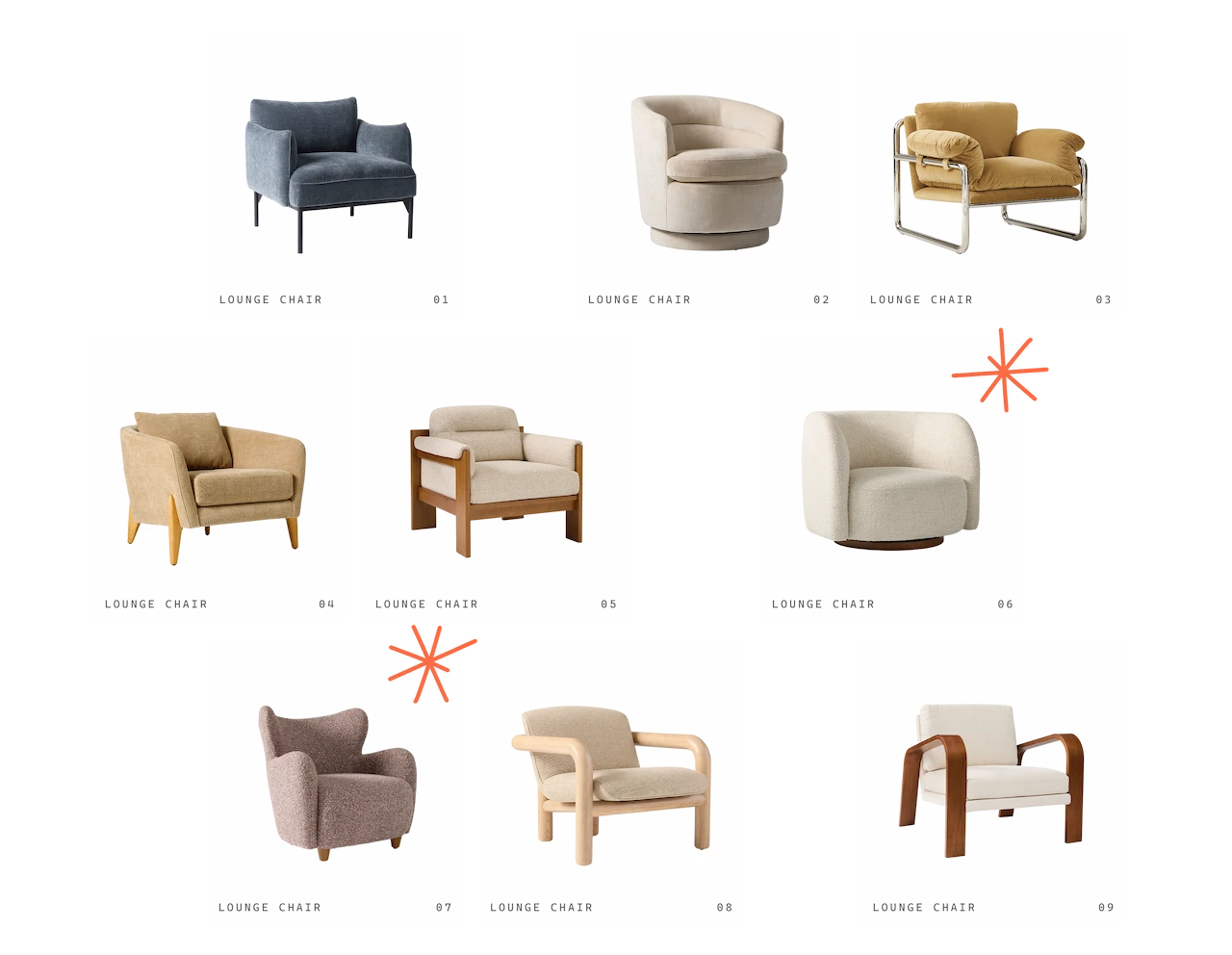
Build a few design options before you decide.
Styleboard’s canvas is unlimited, so you have plenty of space to test multiple options side by side. You can compare a few layout plans, try different color and material combinations, or swap products until the room feels right. It’s also a simple way to design around what you already own, so new pieces match your space and your style before you commit.
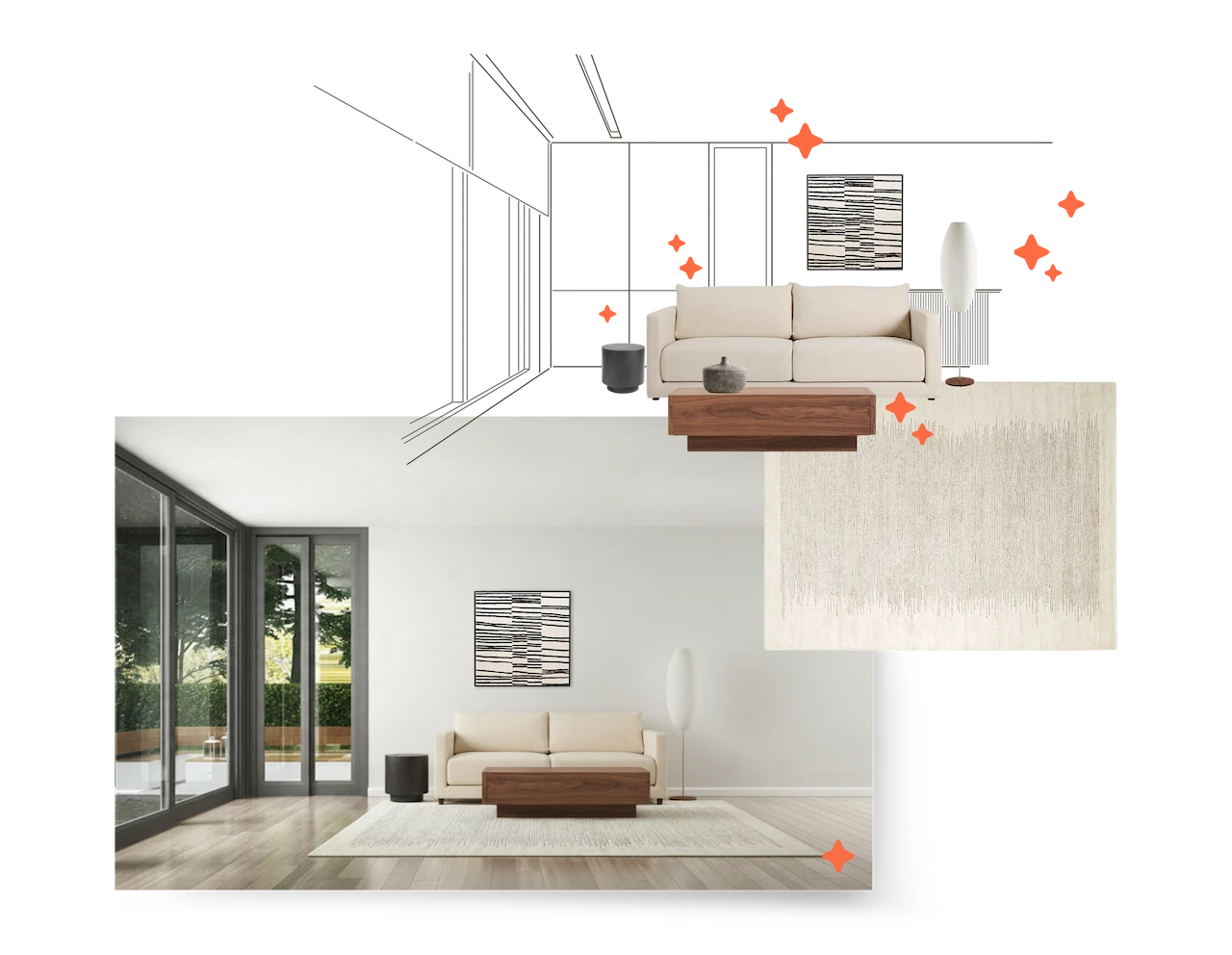
View the pieces in your space before you commit.
Once you have a selection you like, take it for a test drive. Upload a photo of your room and we’ll generate a Preview showing the pieces in your space. It’s a simple way to check the overall mood and style, and also sanity-check scale and fit. You can see how the new items look alongside what you already own before you commit.
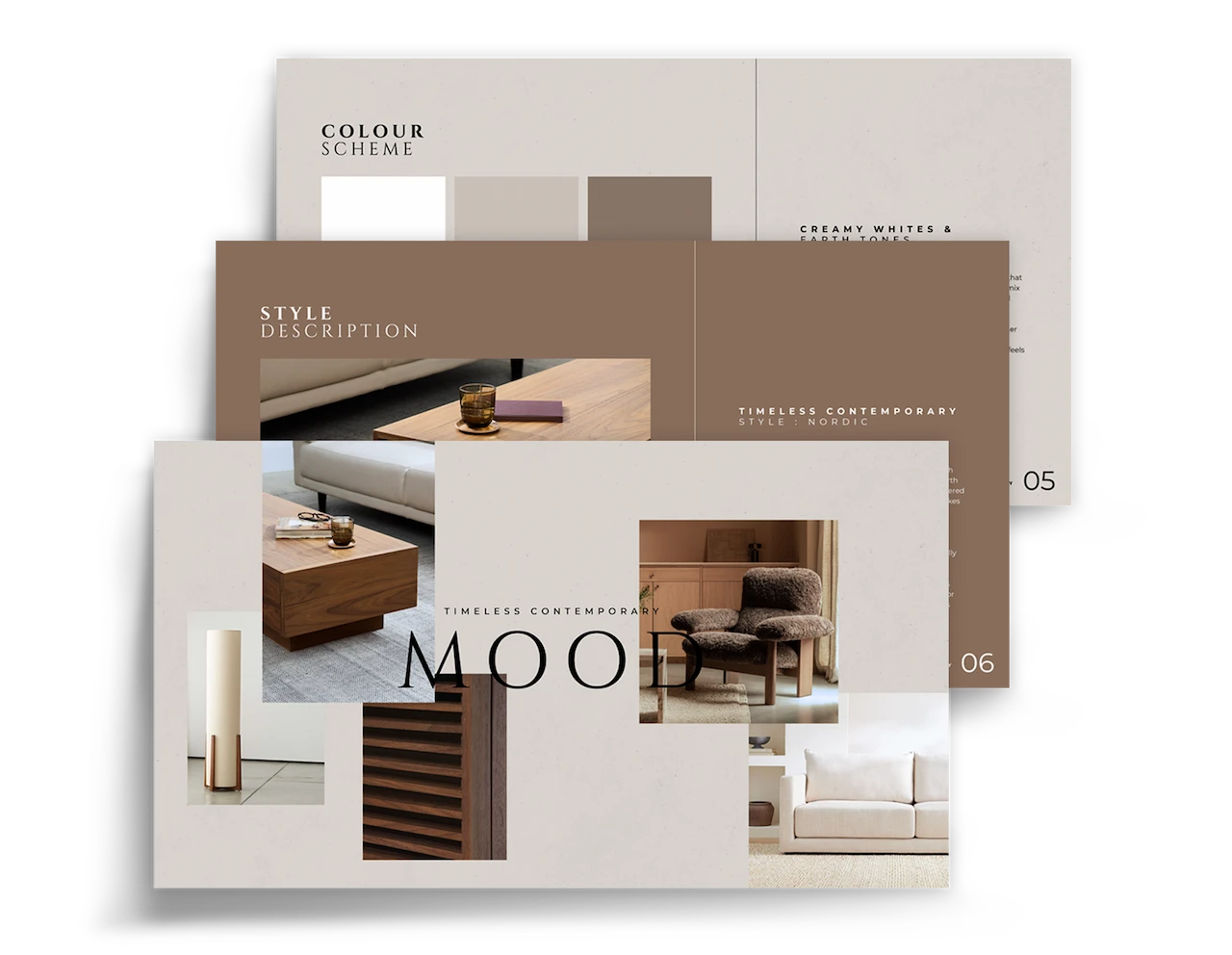
Share your design, or export it as a presentation deck.
Styleboard also lets you export and share your design. If you want an image or a PDF deck, use Boards to set the size and orientation, then build your design like you’re preparing a presentation. When you’re done, select the Boards you want to export, and share them with your partner, friend, or even your contractor.
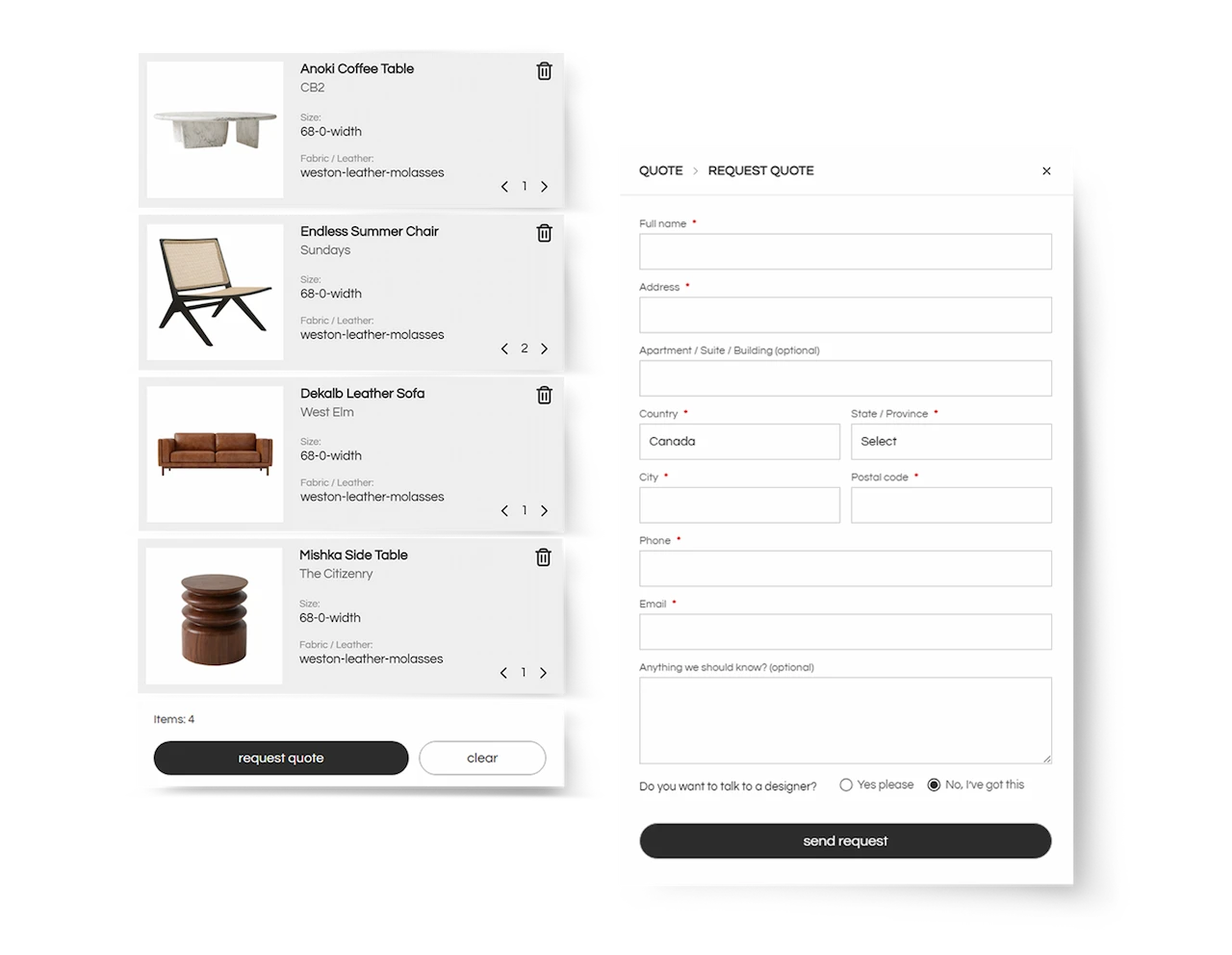
Get a verified quote before you place your order.
We know placing a large furniture order can feel stressful, and that’s why we’re here. Once you’re happy with your design and selection, we recommend requesting a Quote and booking a call with one of our designers. We’ll verify the details of your items, answer any questions, and help you make final decisions so you feel confident moving forward.

Support that doesn’t disappear after checkout.
And once you place your order, we’re here if you have questions or need support along the way. If an issue comes up, we’ll help you navigate the brand’s process and make sure you get a resolution within the brand’s policy. That way you’re not stuck chasing multiple customer support teams on your own, and you know exactly what to do next.
Style your dream home… Your way!
Explore, design, and furnish your space with Styleboard.