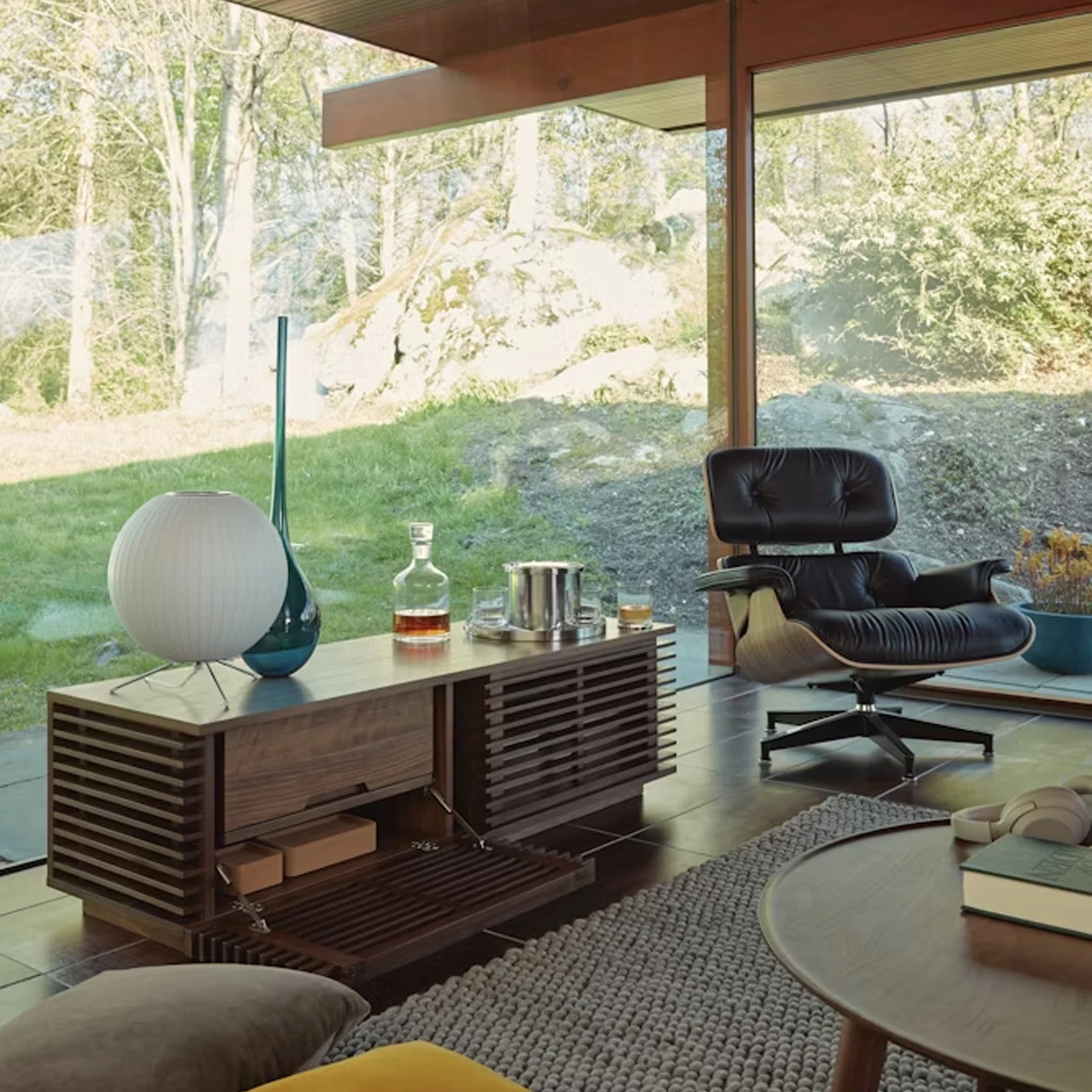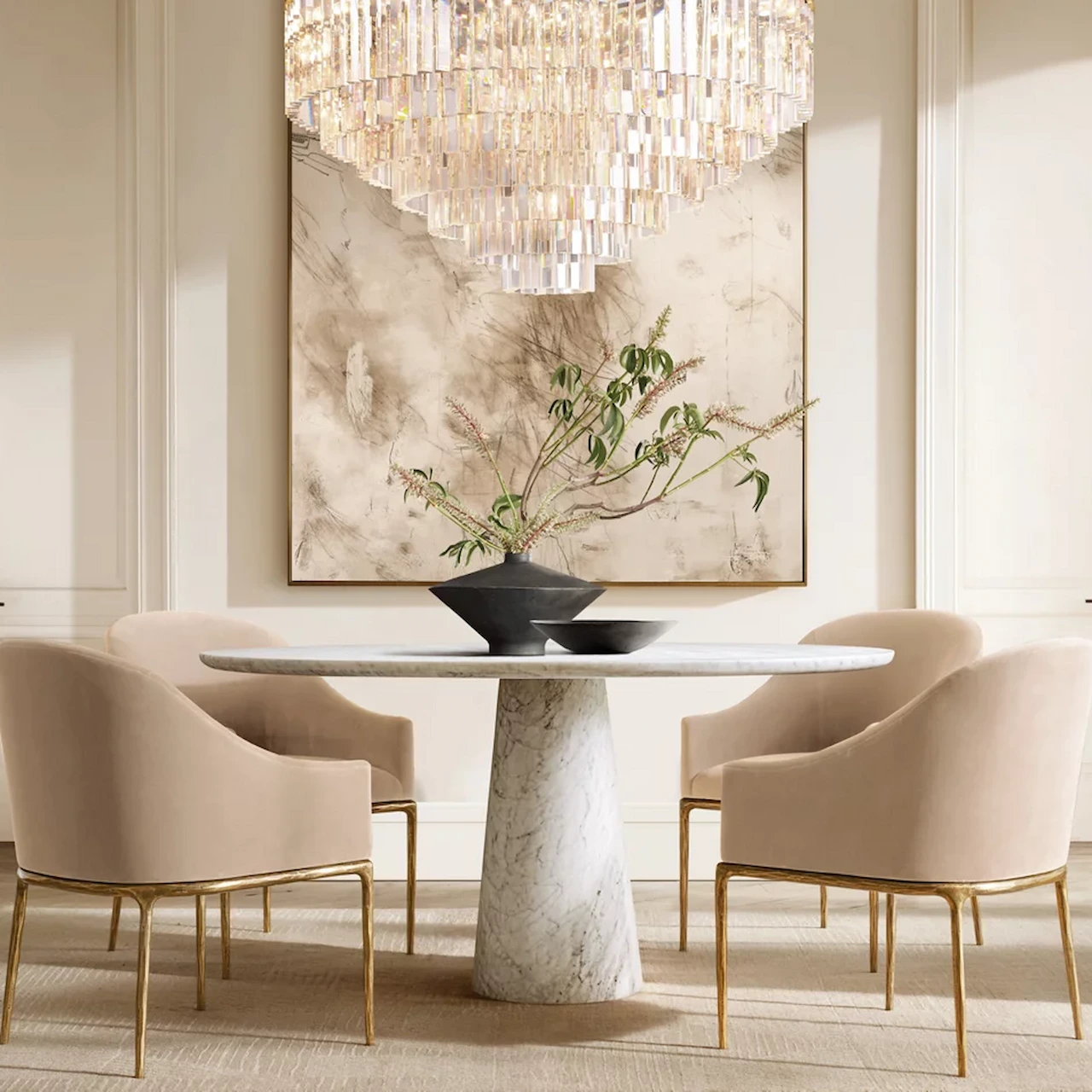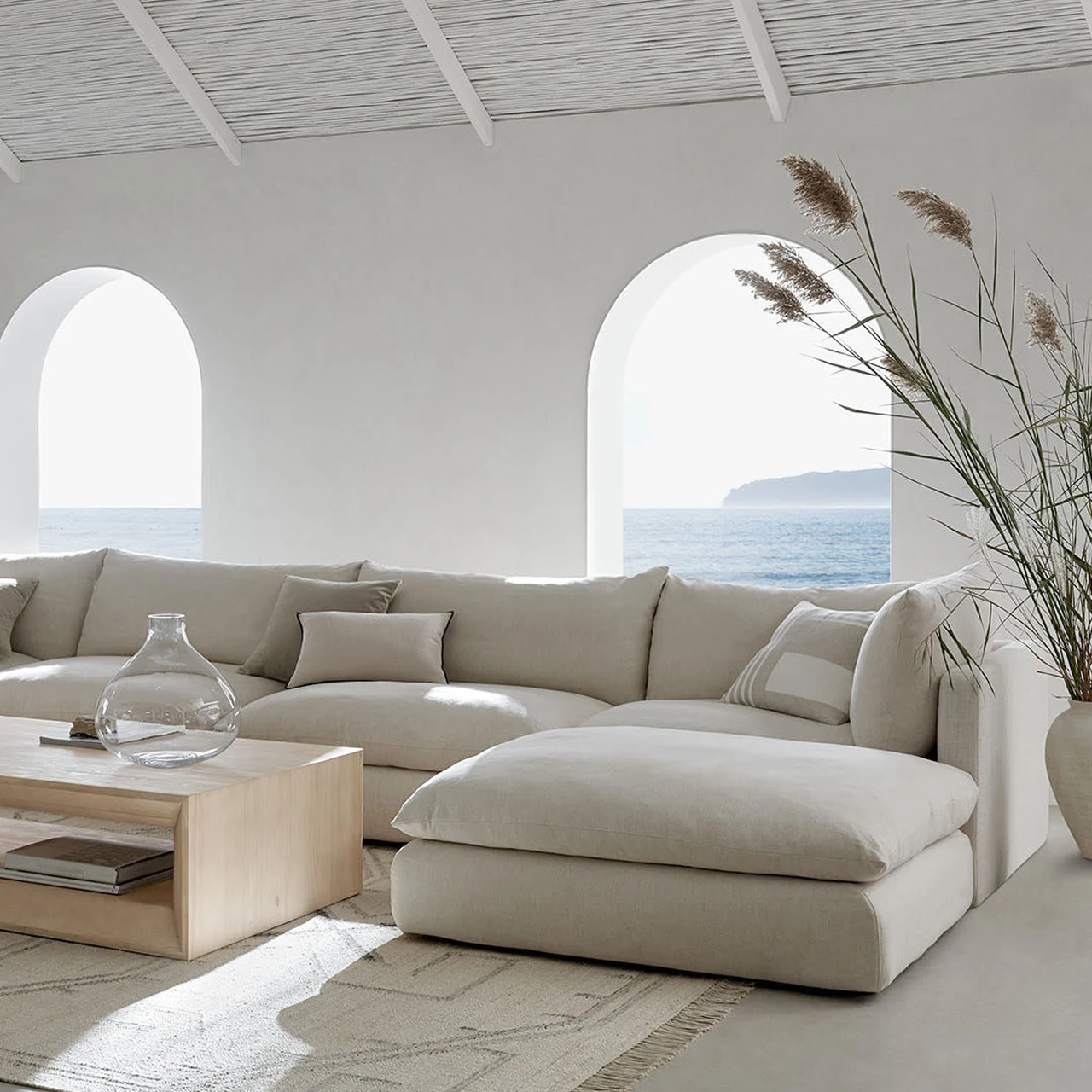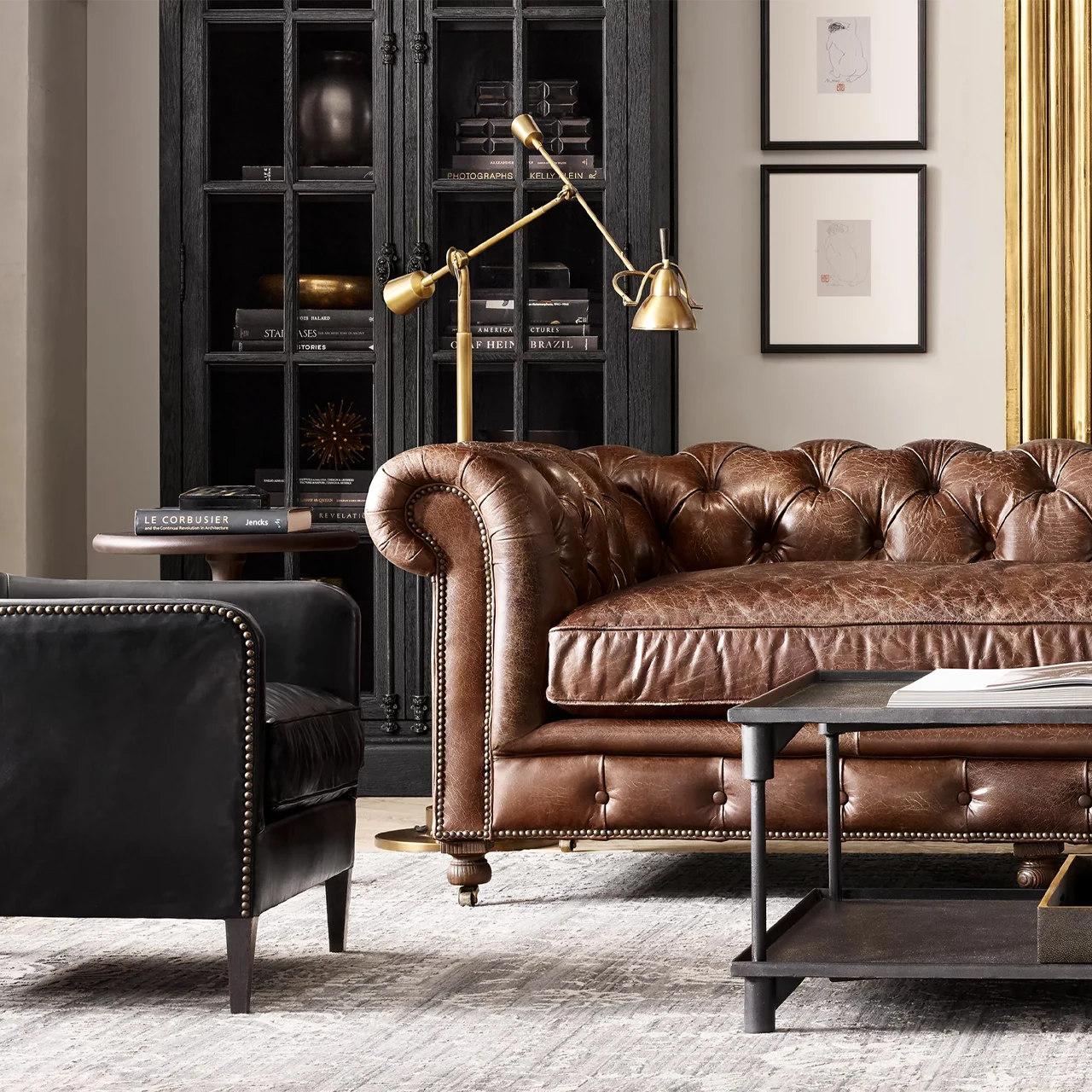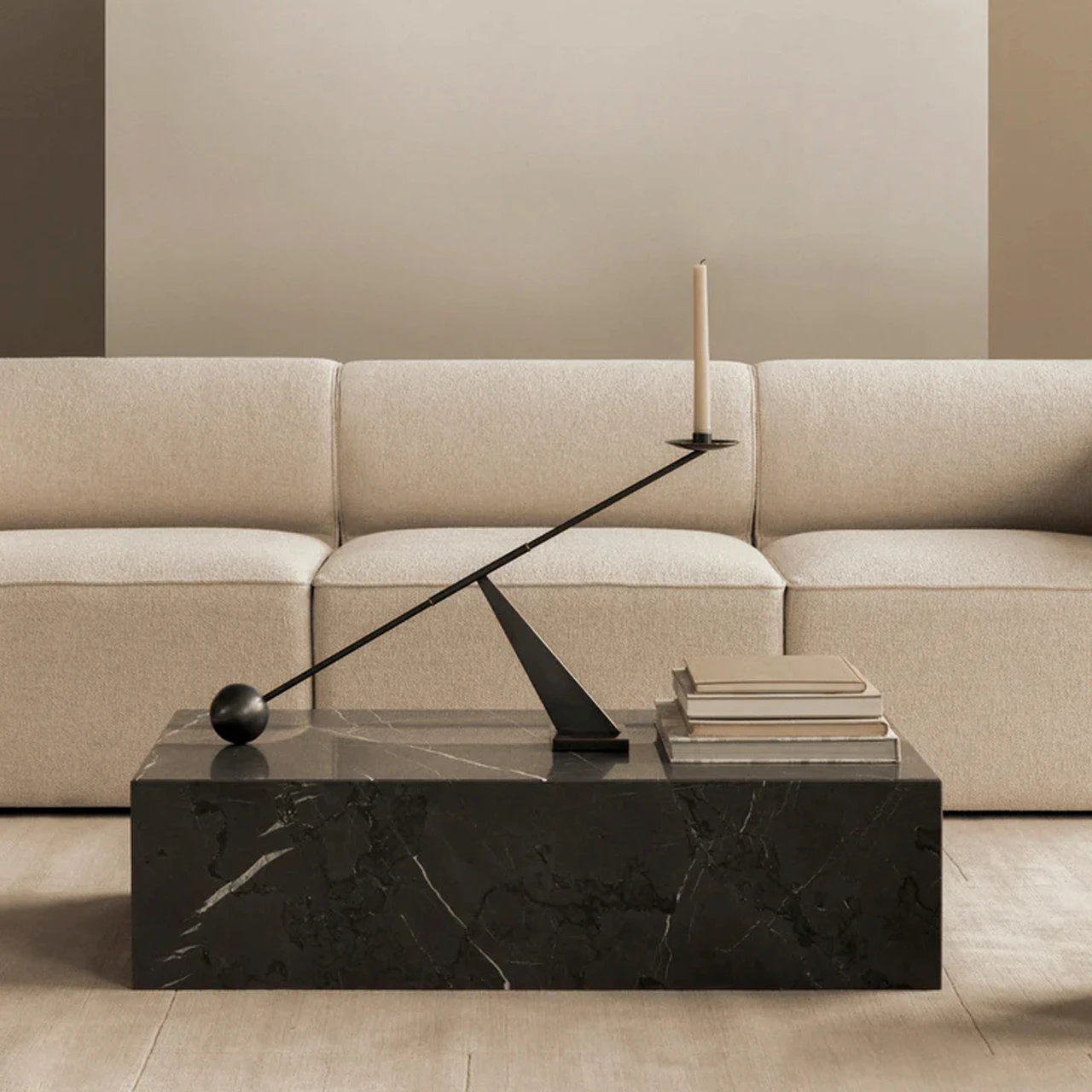
Design with a clearer workflow 

Keep products, client choices, layouts, visuals, and presentations together from the first idea to the final selection.
WORKFLOW CHANGES THE RESULTS FEATURES
Here’s how a connected design workflow helps your studio move from early ideas to clear client decisions.
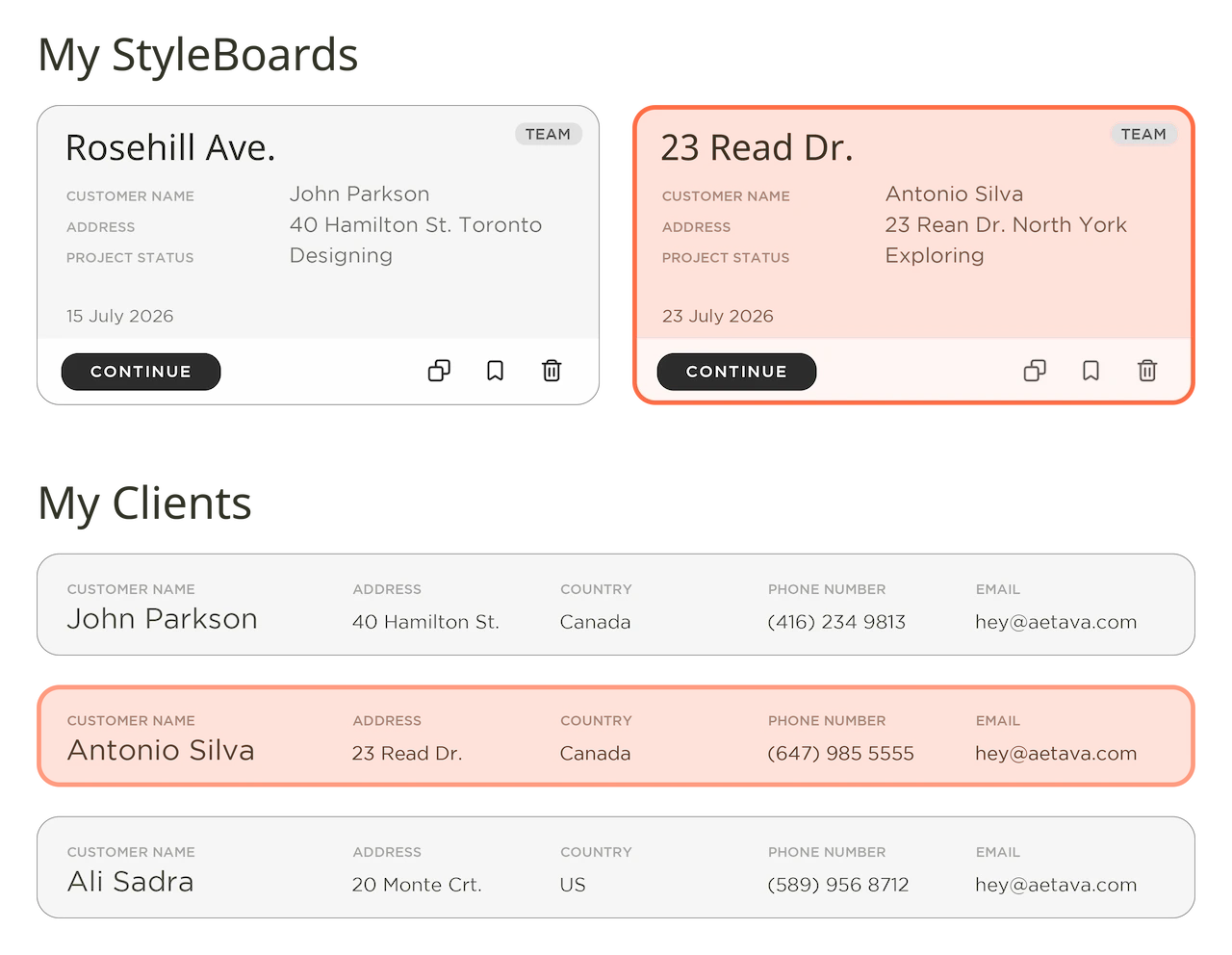
Keep every project in one place
Bring products from different brands into the same working space, instead of jumping between websites, PDFs, folders, and screenshots.
Keep selections, finishes, dimensions, references, and project information organized around the room you’re designing.
GET STARTED
Turn ideas into clear direction
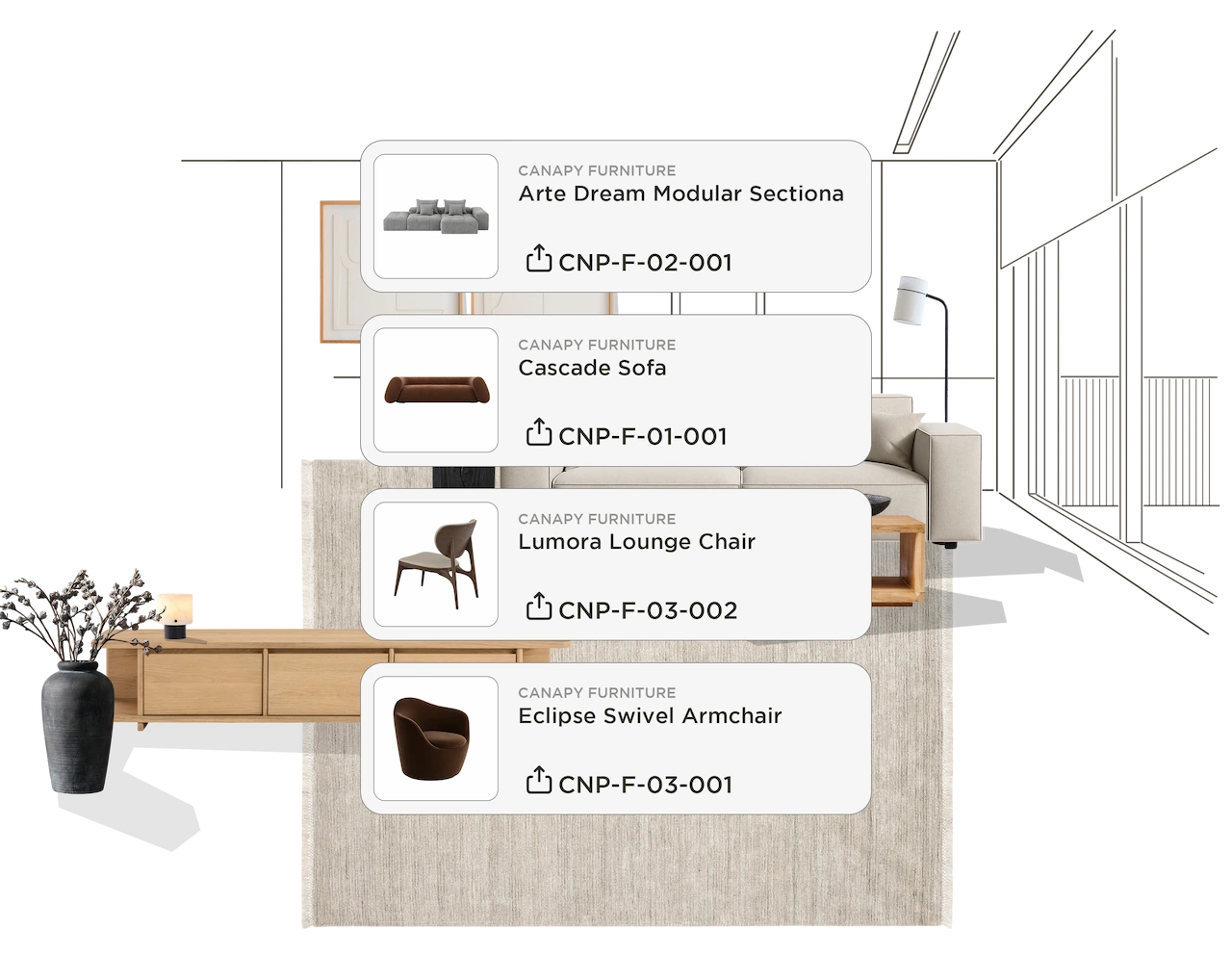
Start with the client’s brief, references, and preferences, then build mood boards that give the project a clear visual direction.
Explore different products, finishes, materials, and combinations without losing track of what belongs to the project.
GET STARTED
Build the room as you design
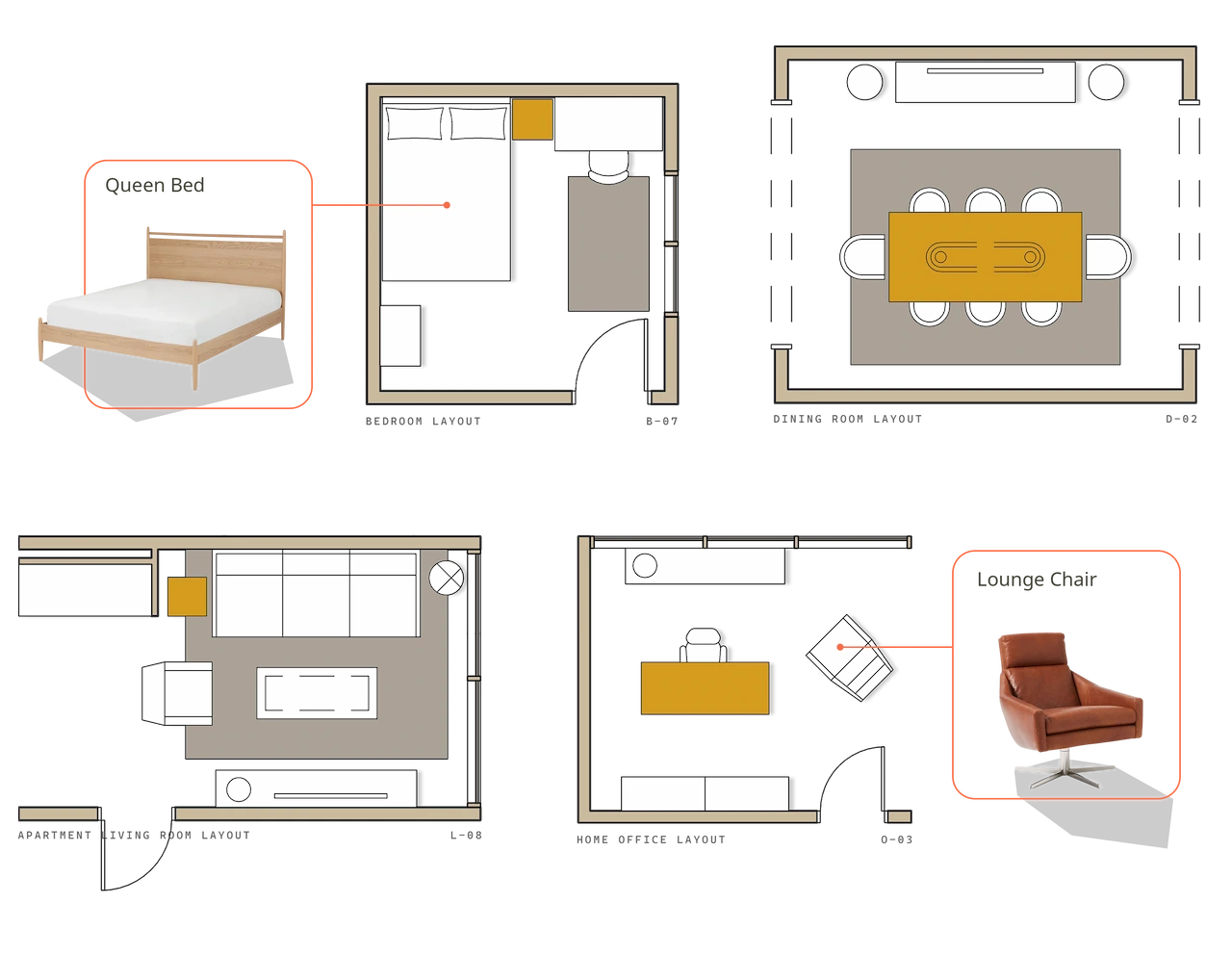
Move from inspiration into layouts using real products and dimensions, so you can explore scale, spacing, placement, and different options.
Compare alternatives while keeping the overall room and client direction in view.
GET STARTED
Present decisions with confidence
Bring layouts, mood boards, product selections, and visualizations together into presentations your clients can easily understand.
Keep the conversation focused on the choices that matter and make approvals easier to manage.
GET STARTED
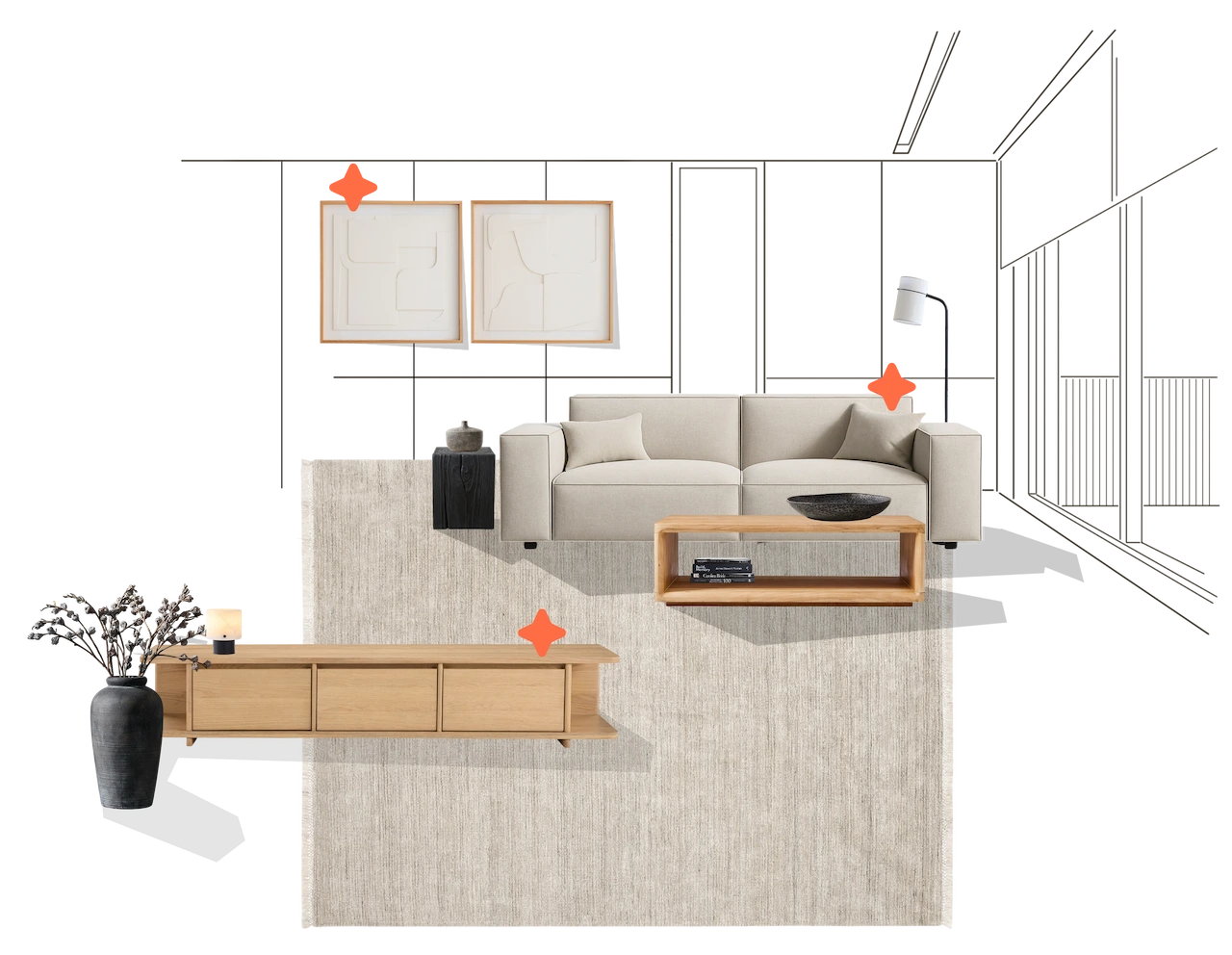
What this leads to
A clearer design process keeps the project organized, gives clients more confidence in their choices, and helps your team move forward without rebuilding the work at every stage.
Clearer client decisions
Give clients one place to understand the room, compare options, and see how their selections work together before they commit.
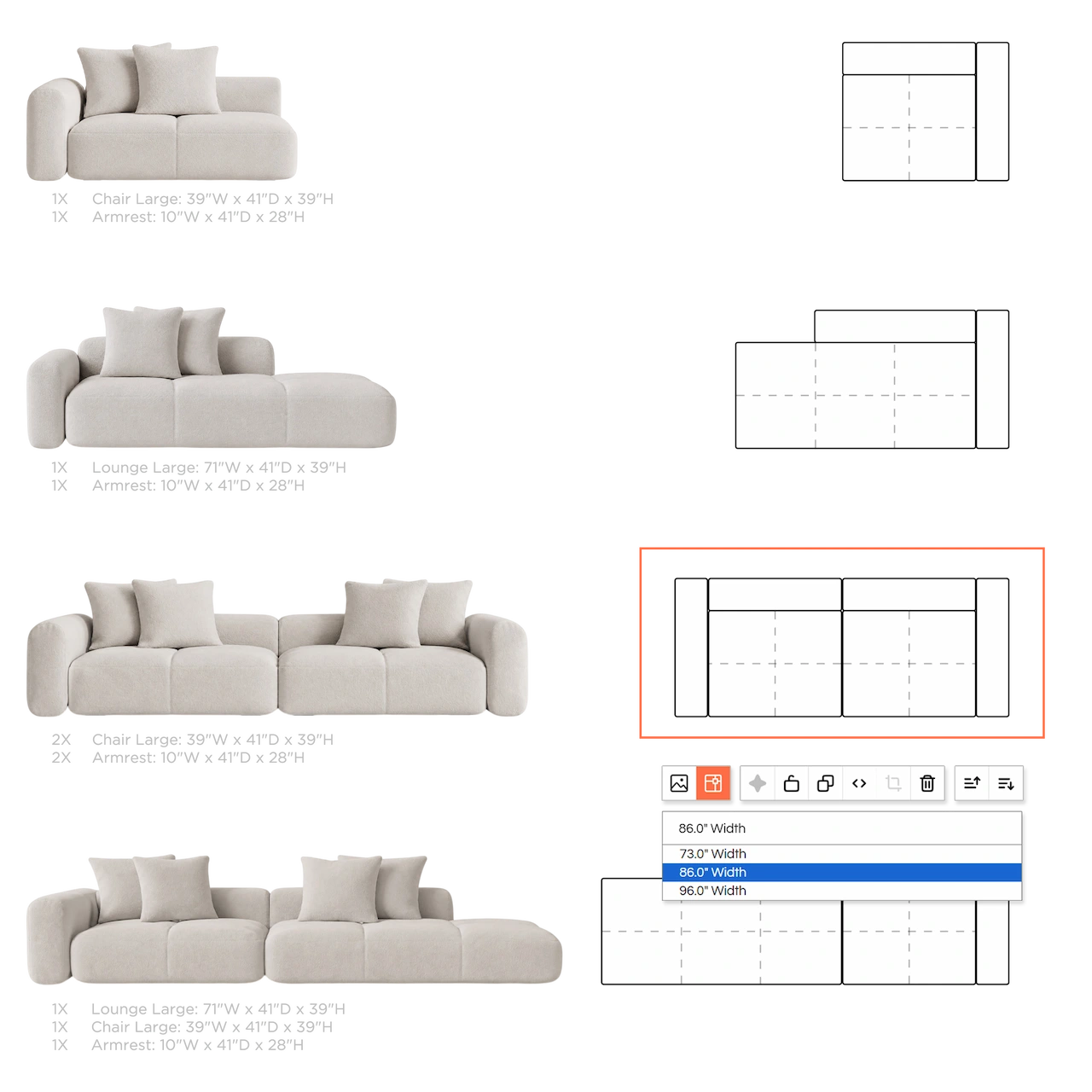
Less repeated work
Carry the same products, layouts, and project information forward instead of rebuilding presentations and selections across different tools.
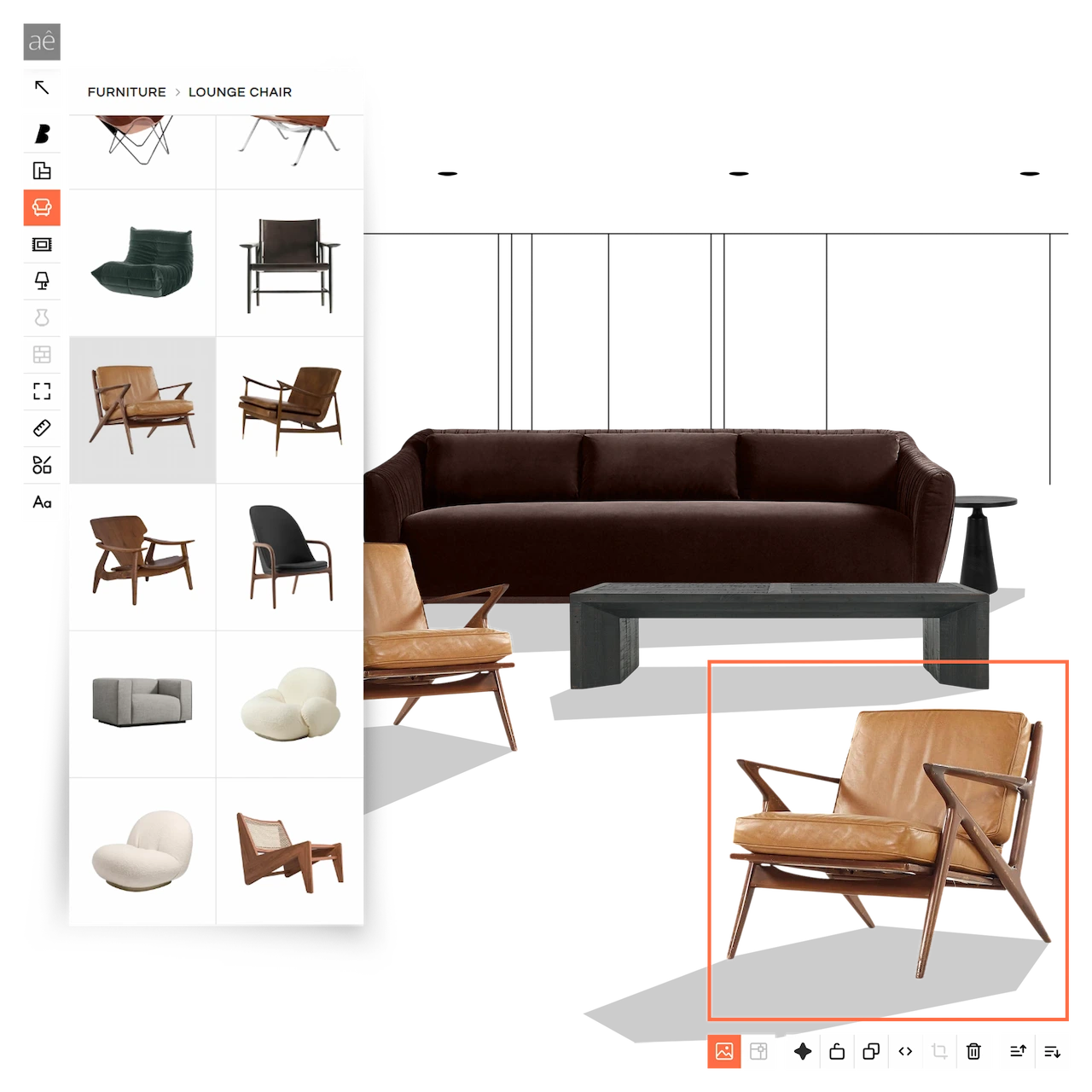
Stronger presentations
Show the full design clearly with layouts, products, finishes, and visuals that make the thinking behind each recommendation easier to understand.
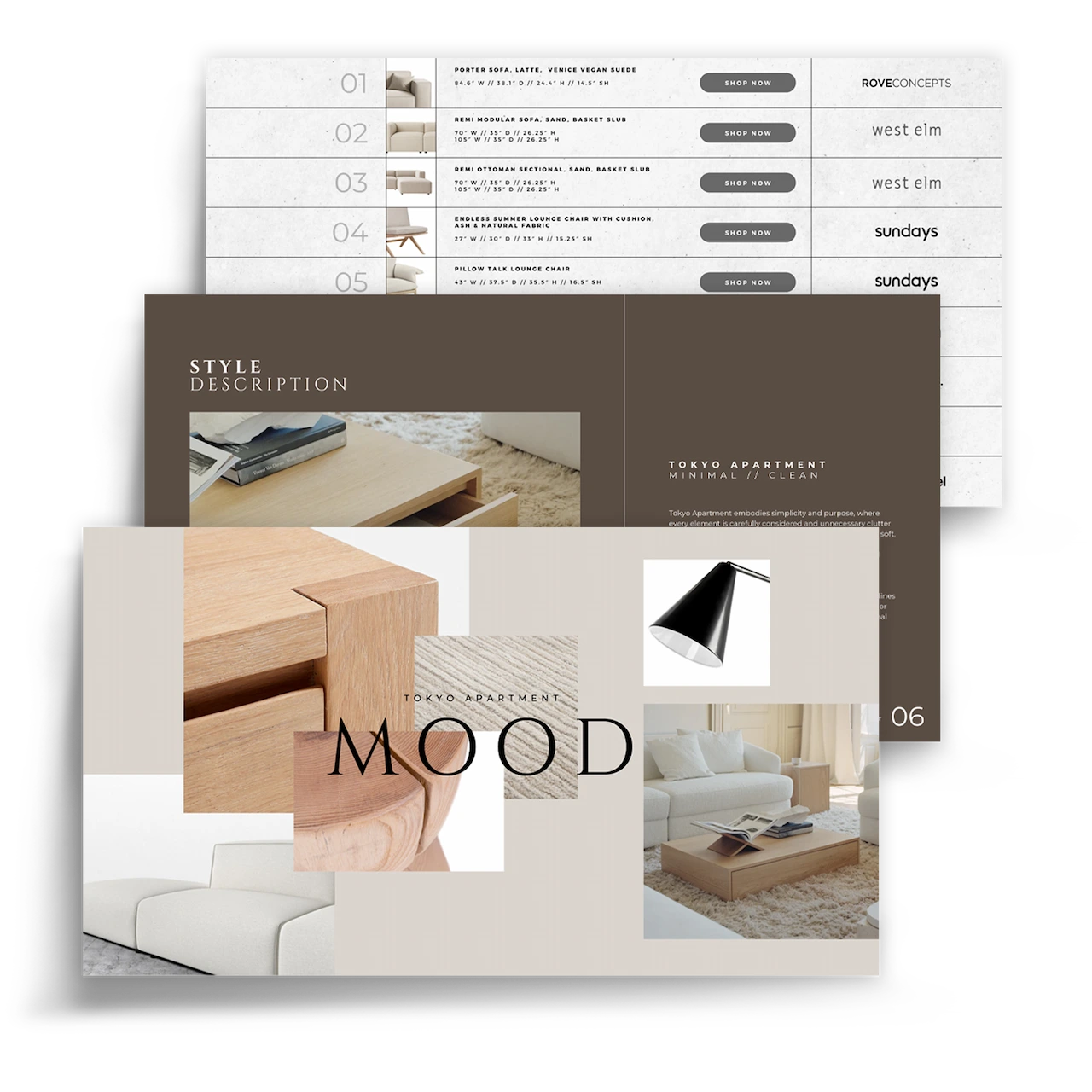
Everything your studio needs
Everything required to move from early concept to client presentation, inside one connected design workspace.
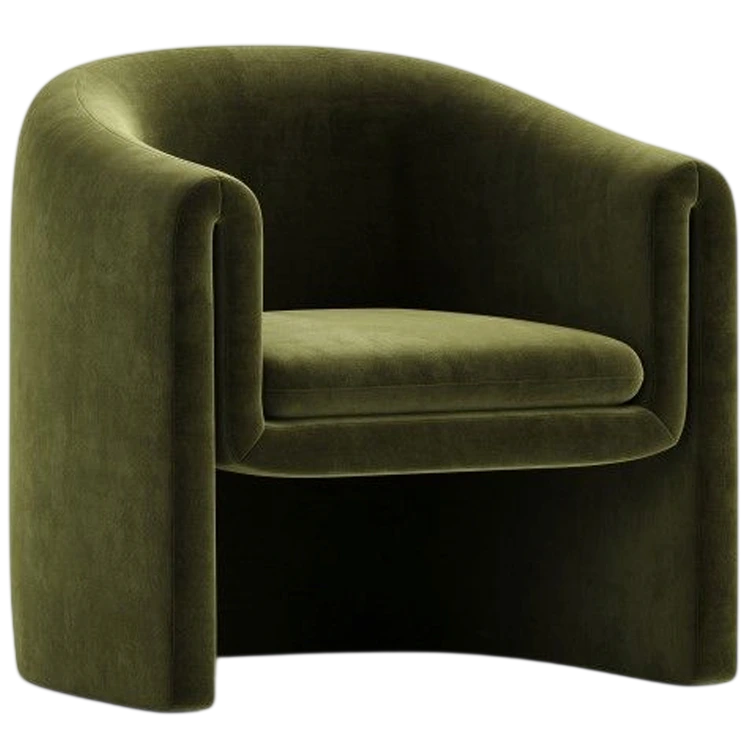
Mood Boards
Bring products, finishes, colours, and ideas together in one place.
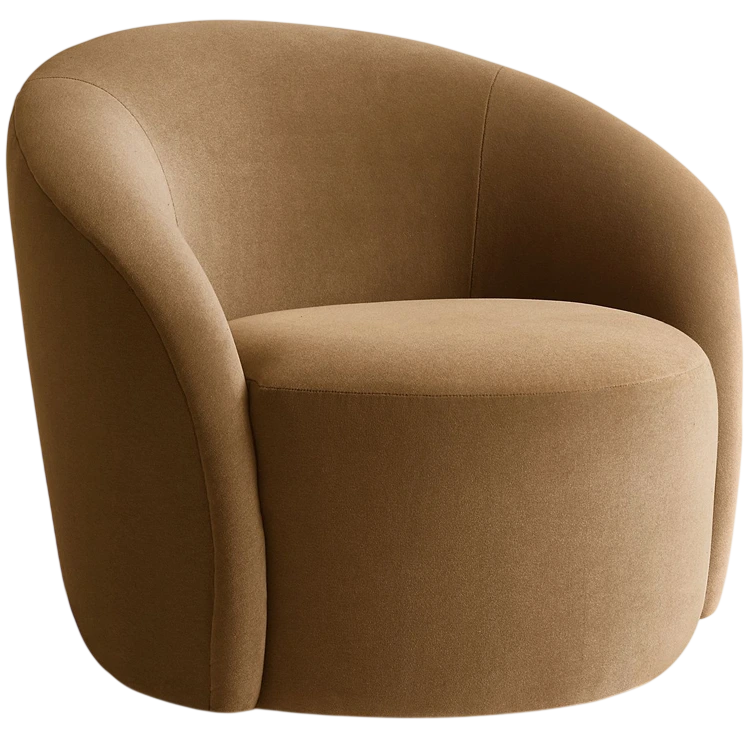
Plans & Layouts
Place products to scale and check size, spacing, fit, and circulation.
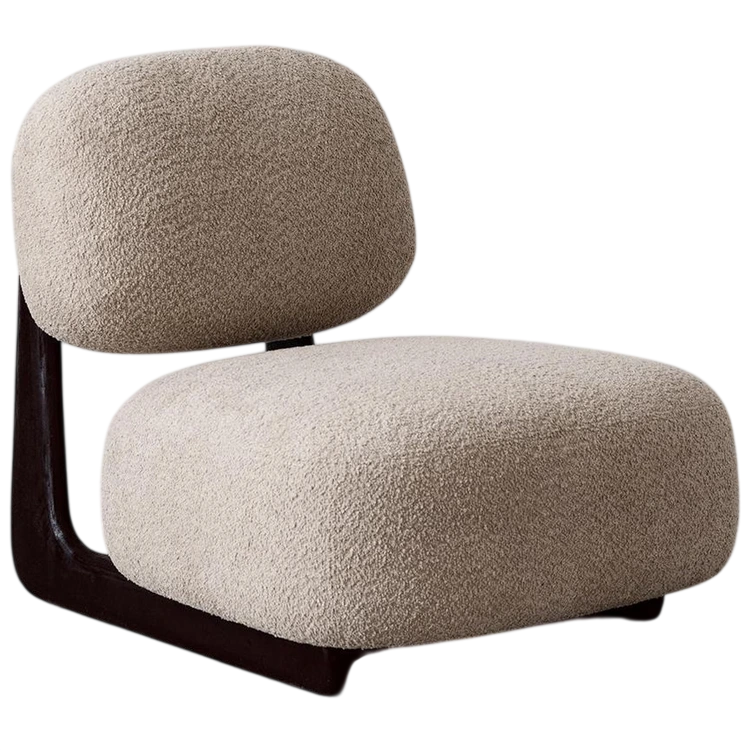
Rendering
Create realistic room views using selected products, finishes, and customer photos.
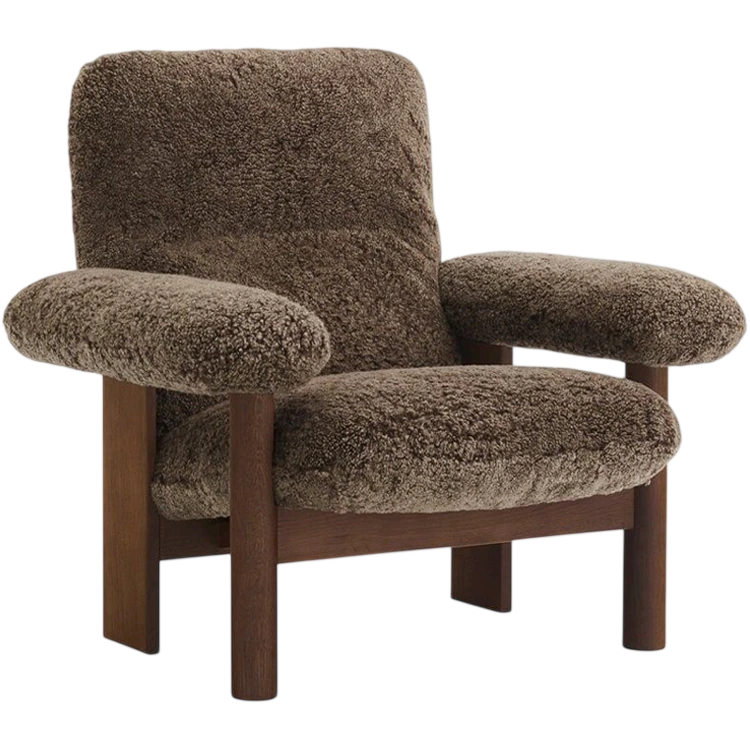
Presentations
Build design stories, export, download, and share them with your customers.
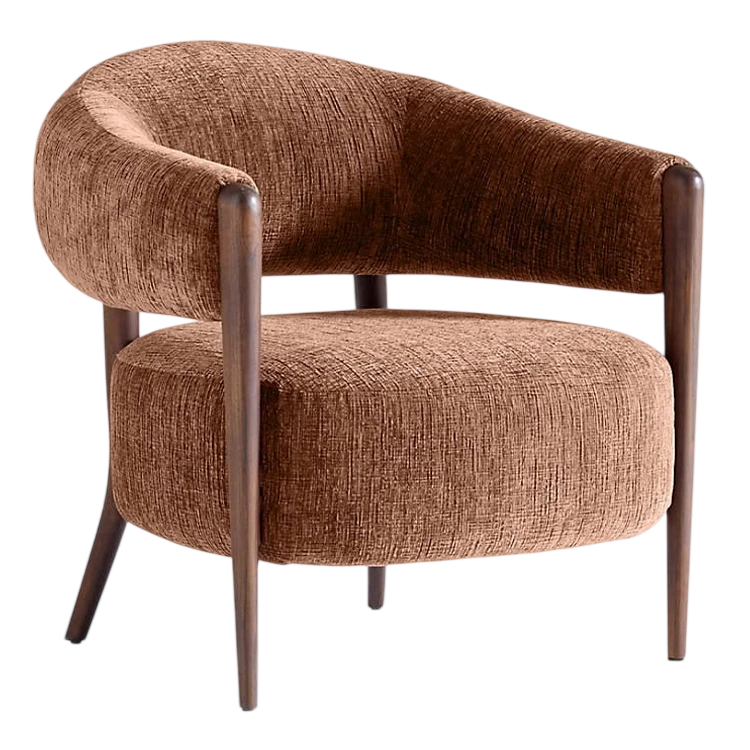
Blueprints & Templates
Start from ready-made room layouts or build your own floor plans.
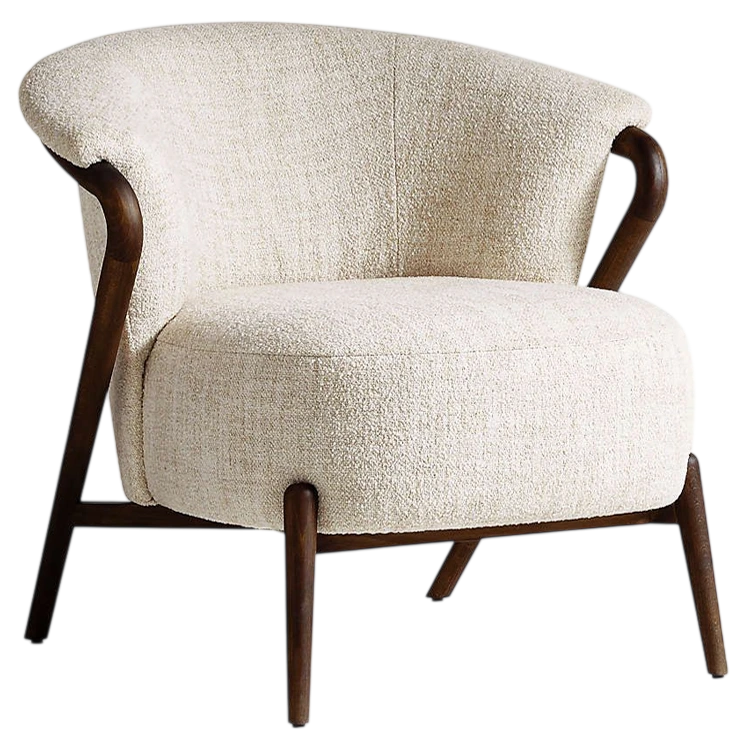
3D & Modeling
Use product-based 3D models to explore different views, layouts, and combinations.