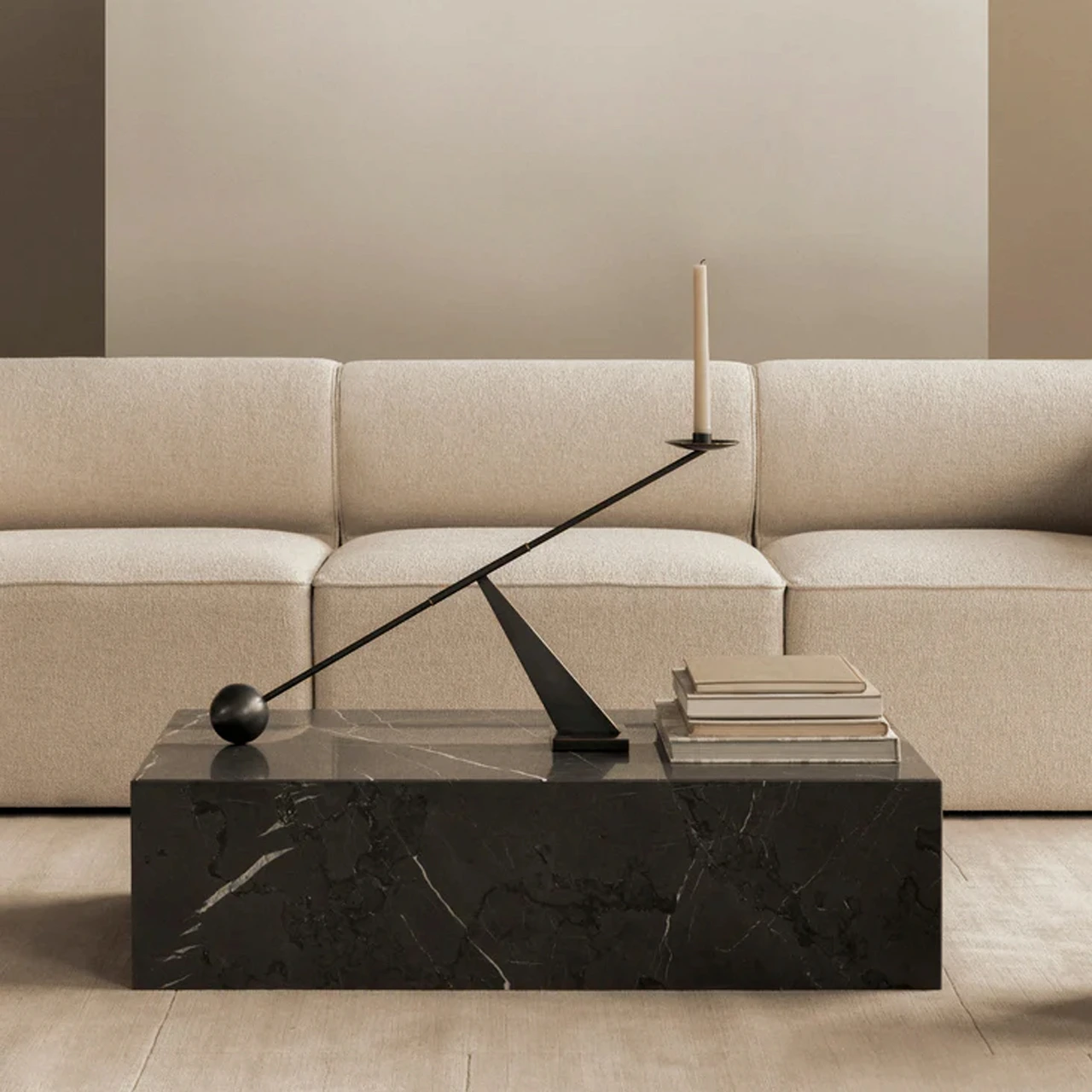
Sell more with a clearer workflow 

Keep products, inventory, consultations, estimates, and orders connected so your team can focus on the customer.
WORKFLOW CHANGES THE RESULTS FEATURES
Here’s how a clearer workflow helps your team guide the customer from the first product conversation to a confirmed order, with less searching, repeated work, and confusion.
One clear place for every product you sell
When your store carries products from different brands, the information is often spread across supplier websites, PDFs, spreadsheets, and old files.
Your team should not have to search in five different places while a customer is waiting. Bring the products, finishes, sizes, configurations, pricing, inventory, and lead times together so the right information is easier to find during the sale.
GET STARTED
Turn browsing into a guided consultation
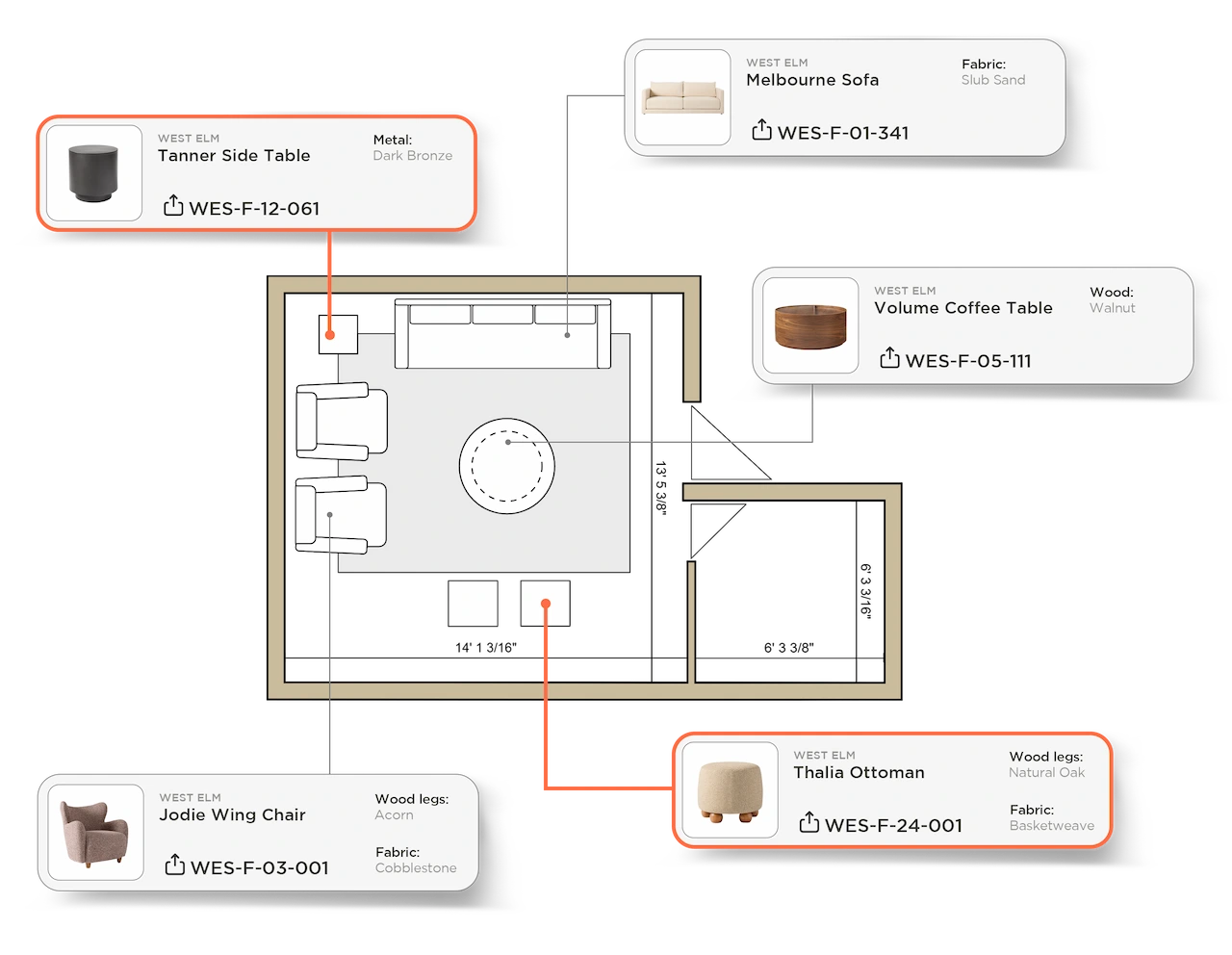
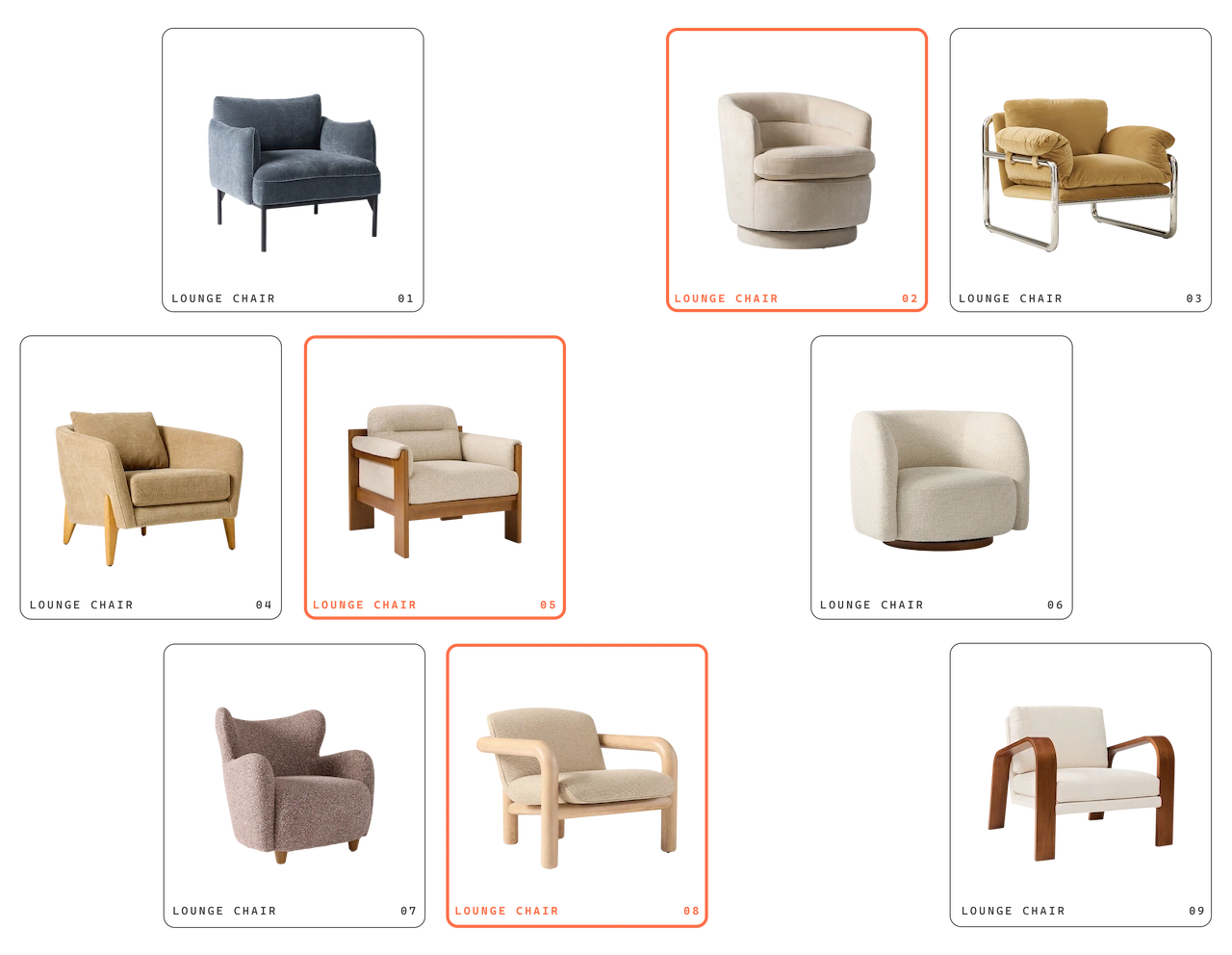
Most customers do not walk in knowing exactly what they need. They may like a sofa, but they are still unsure about the size, finish, layout, or what should go with it.
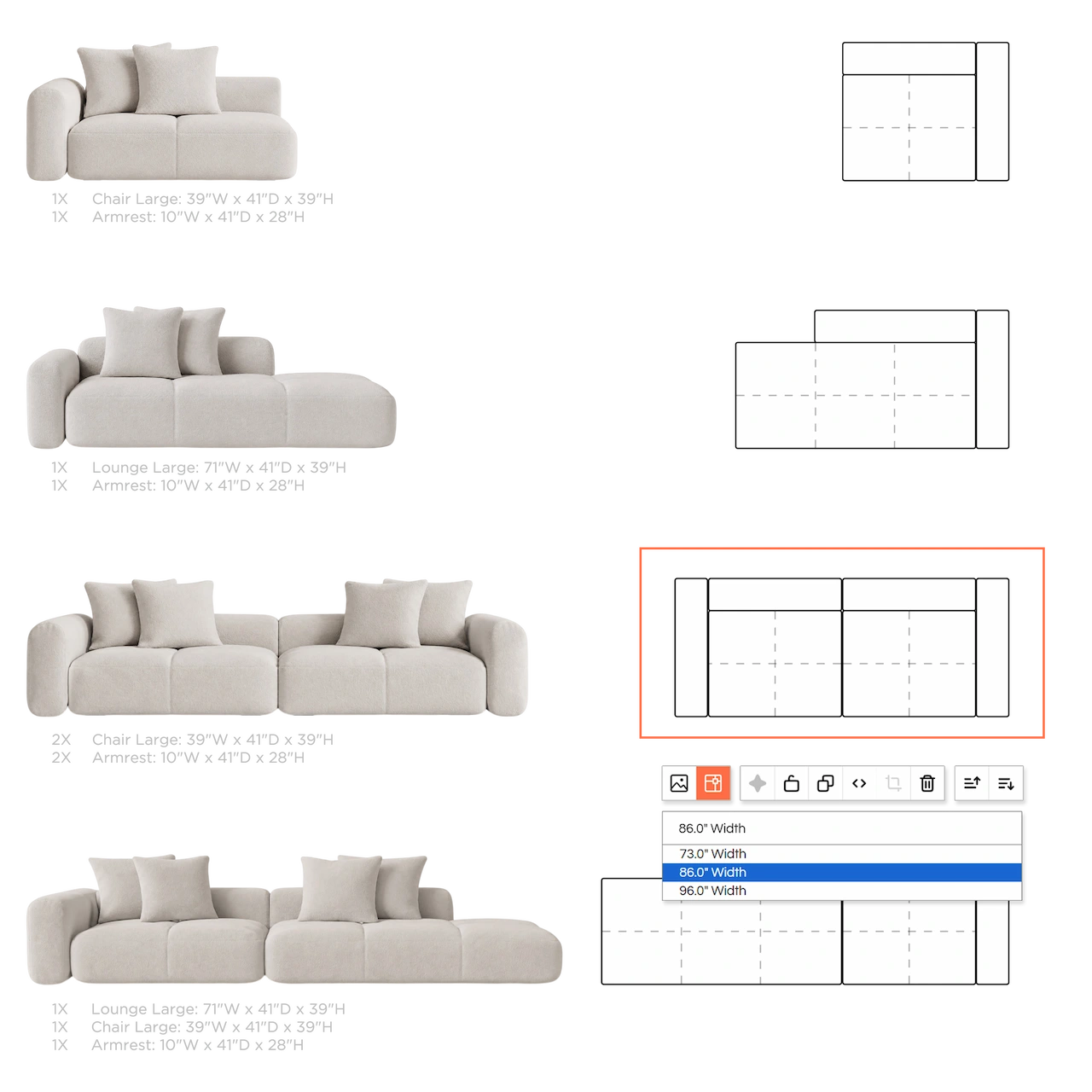
Give your team a clearer way to compare options, plan the room, and show how the products work together. The conversation becomes more useful, and the customer has an easier time making a decision.
GET STARTED
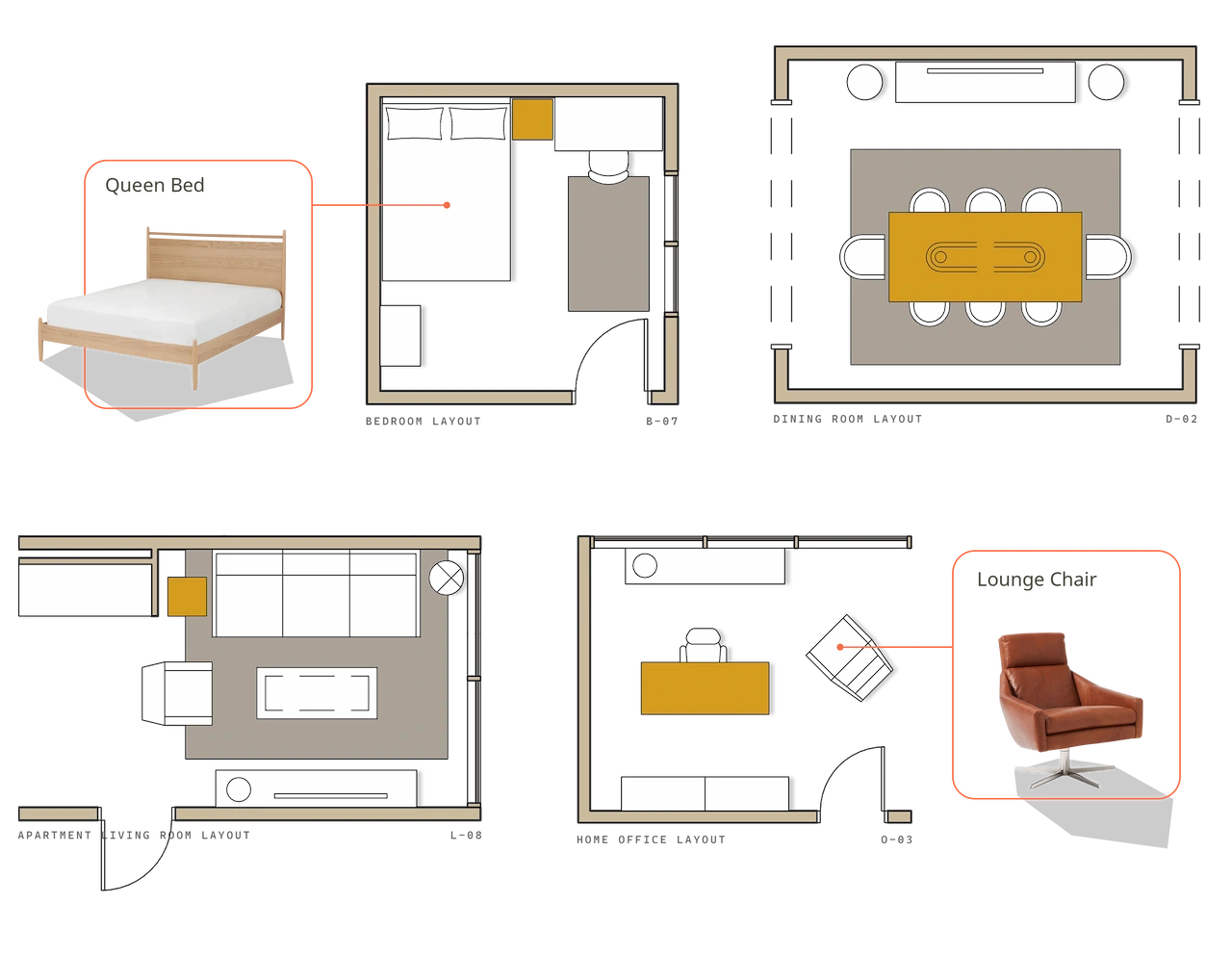
Carry the customer’s choices into the estimate and order
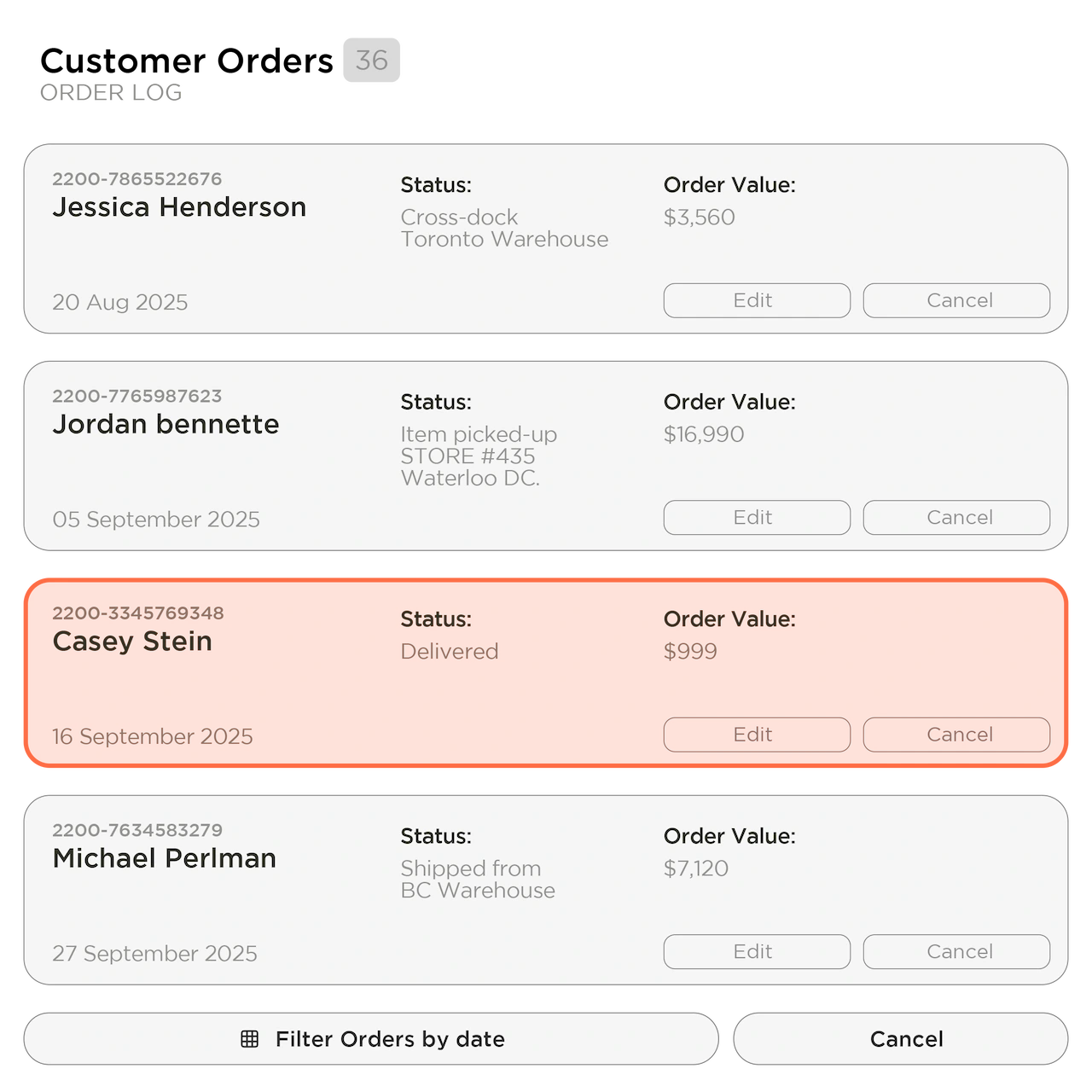
Once the customer has made their selections, your team should not have to start over. The products, finishes, quantities, pricing, and delivery details can move directly into the estimate and then into the order.
This saves time, reduces repeated work, and makes it easier to keep the sale moving while the customer is ready.
GET STARTED
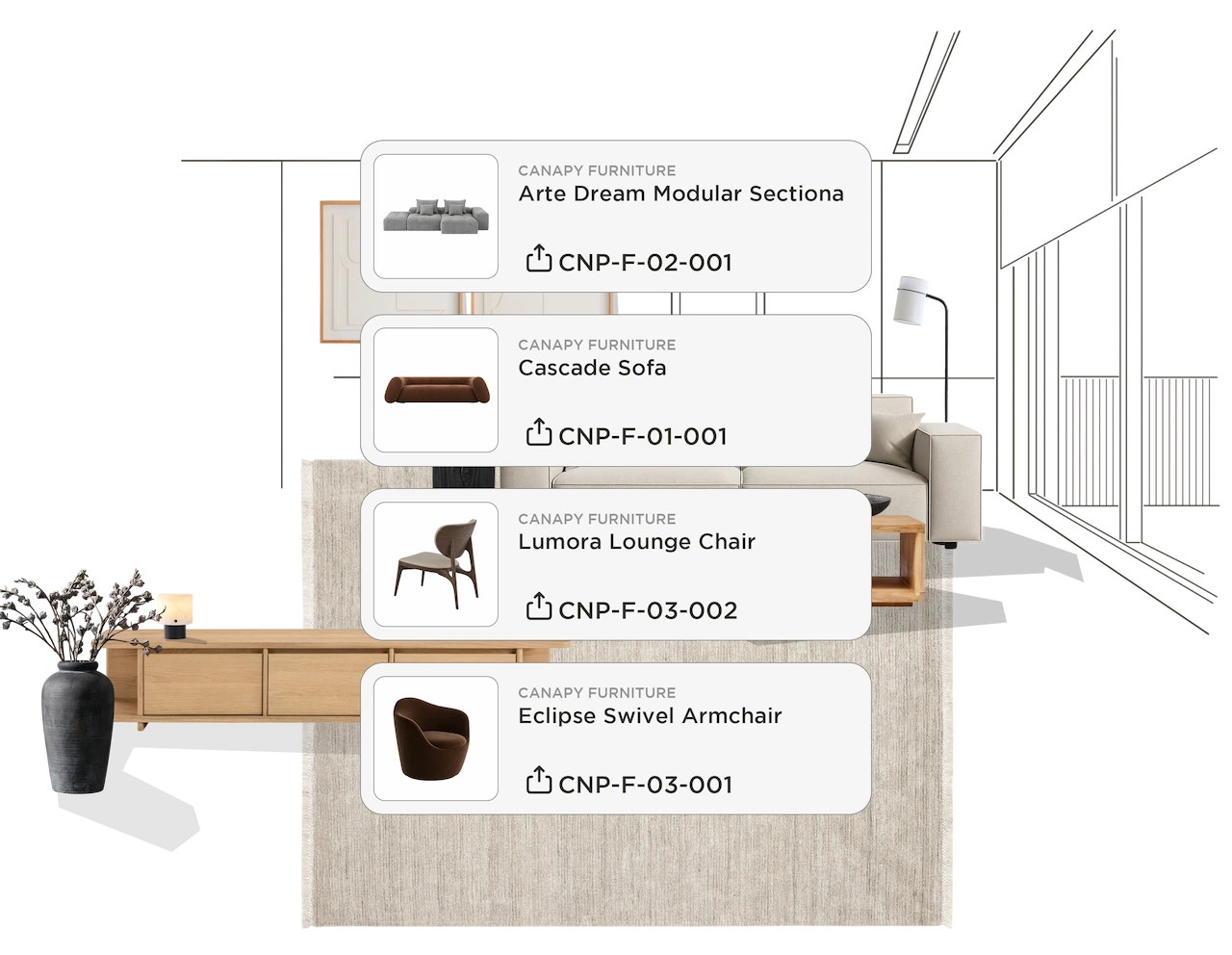
Keep sales and operations on the same page
The sale does not end when the customer says yes. Managers, sales associates, designers, vendors, warehouses, and delivery teams may all need the same information.
A connected workflow helps everyone see what was selected, what was quoted, what has been ordered, and what needs attention next. That means fewer follow-up questions and fewer problems after the sale.
GET STARTED
What this leads to
A clearer workflow helps customers decide faster, reduces mistakes throughout the sale, and gives your team more time to focus on customers and sell.
Faster decisions
Customers can compare options, understand the layout, and see the full idea more clearly, making it easier to move forward with confidence.
Fewer mistakes
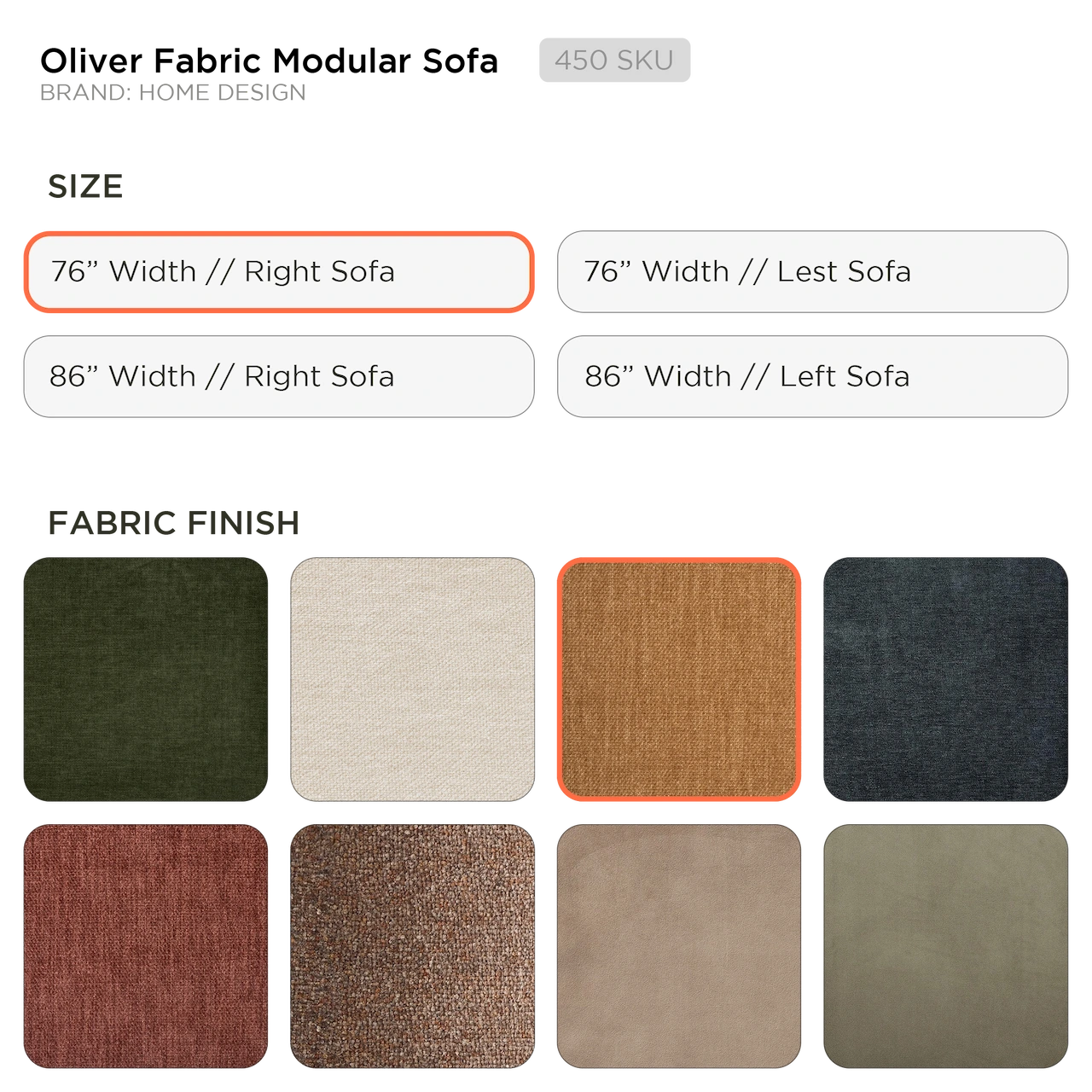
Product details, finishes, pricing, and delivery information stay connected throughout the sale, reducing missing information and repeated work.
More sales
Your team spends less time searching and fixing details, giving them more time to guide customers, follow up, and close more opportunities.
Everything your team needs
From product setup and inventory to layouts, presentations, estimates, orders, and insights, every tool works together in one connected workflow.
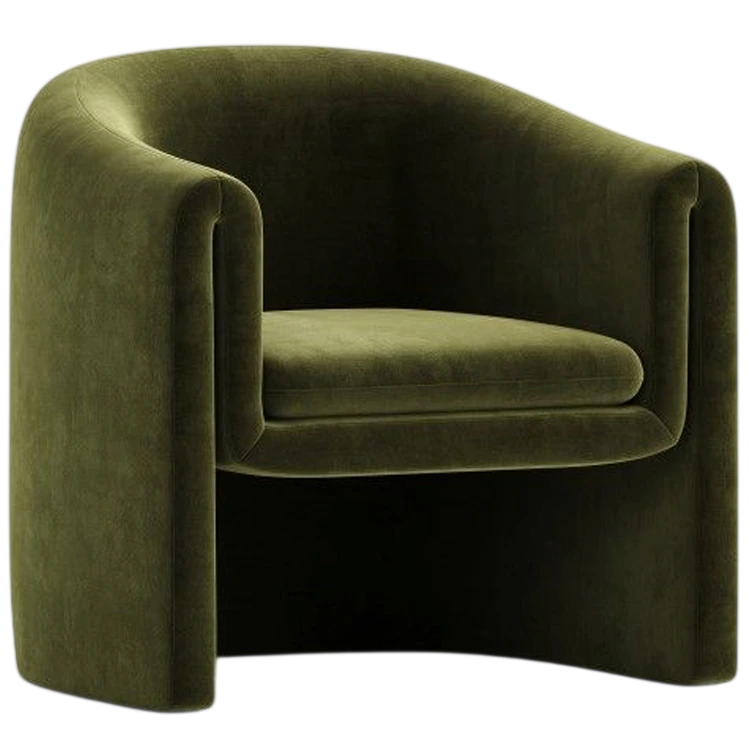
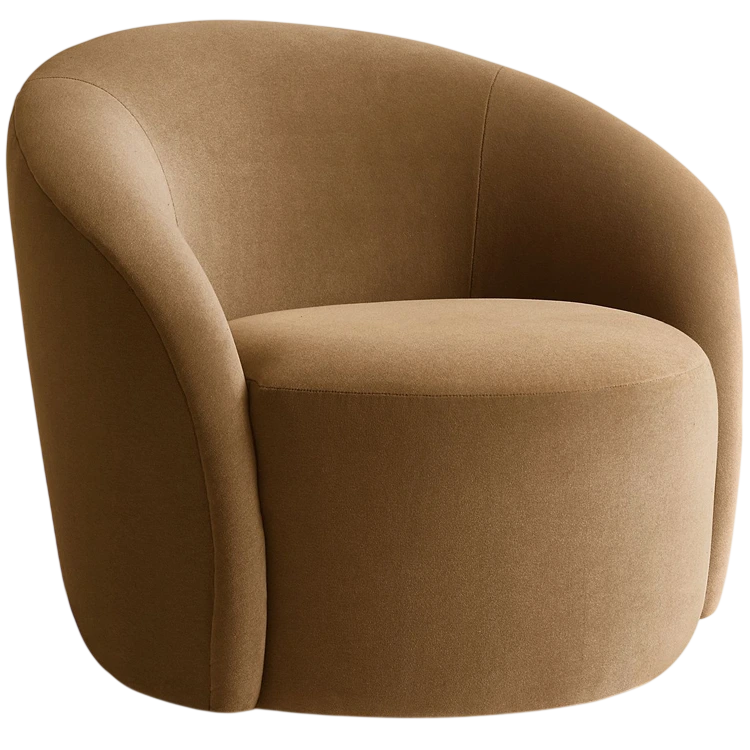
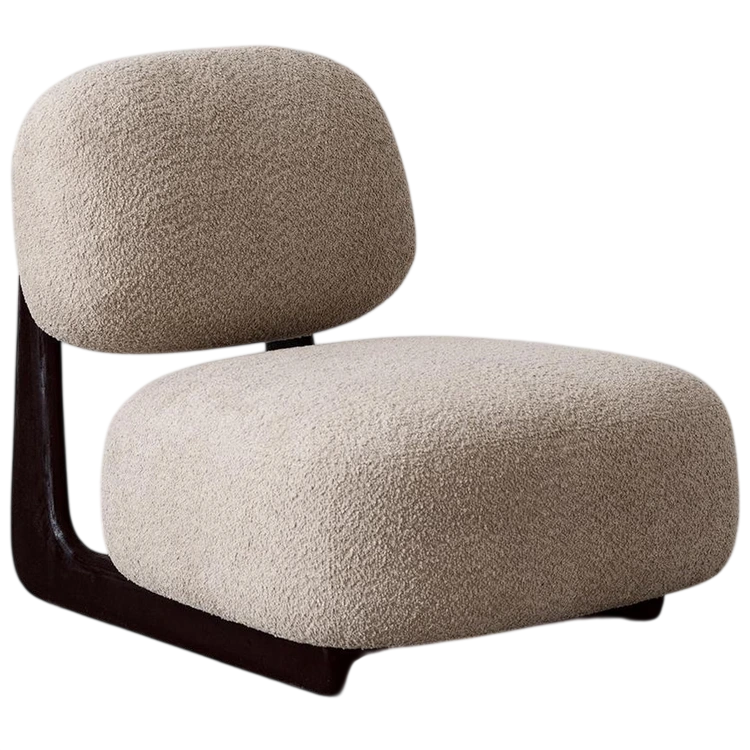
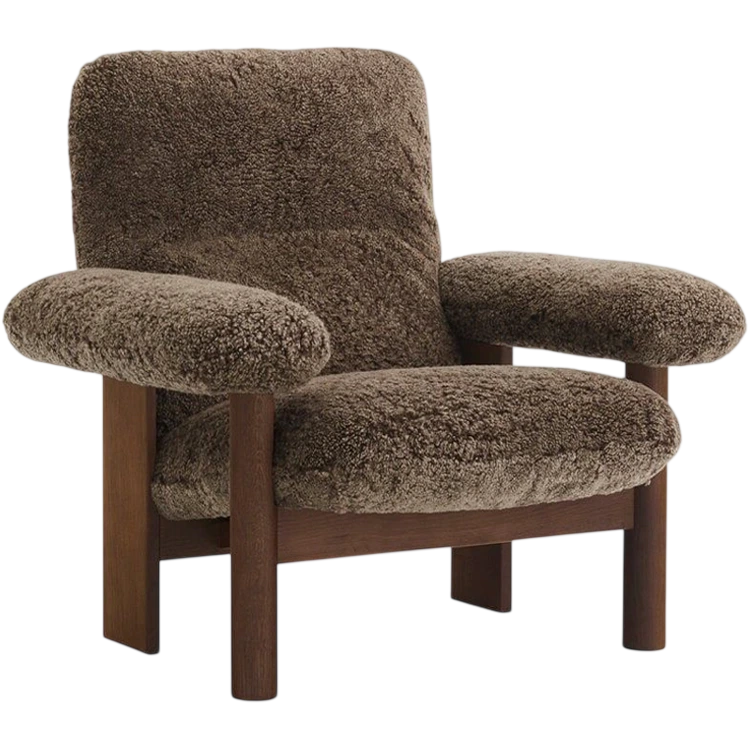
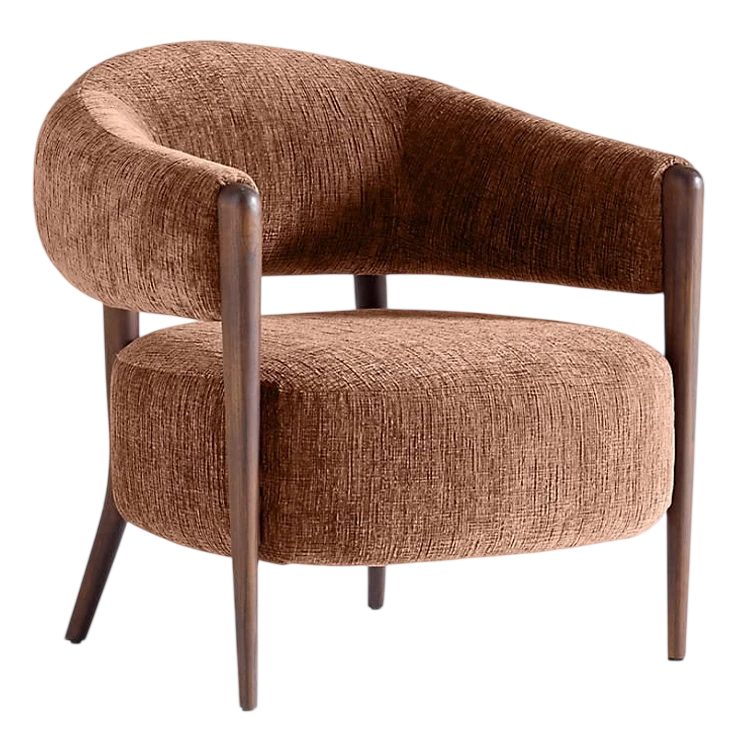
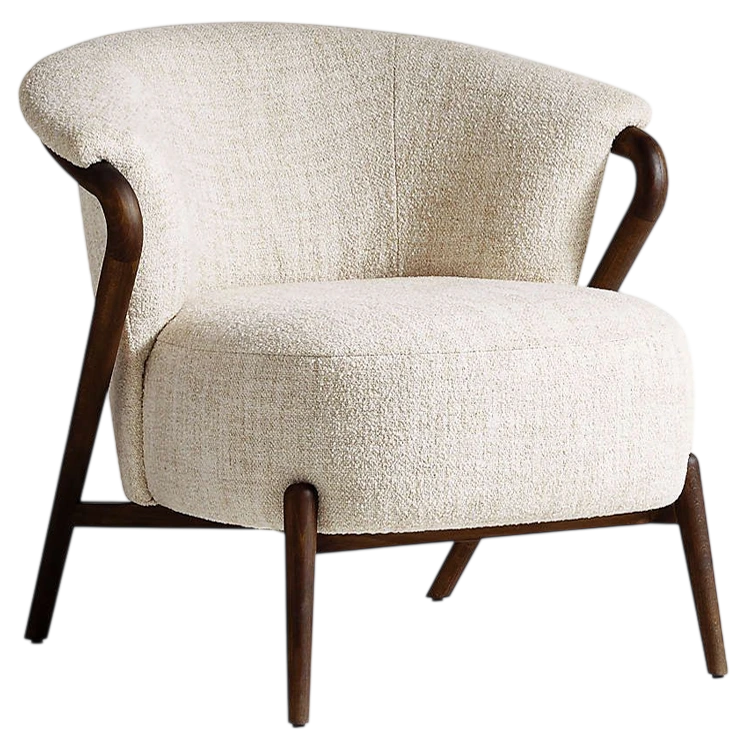
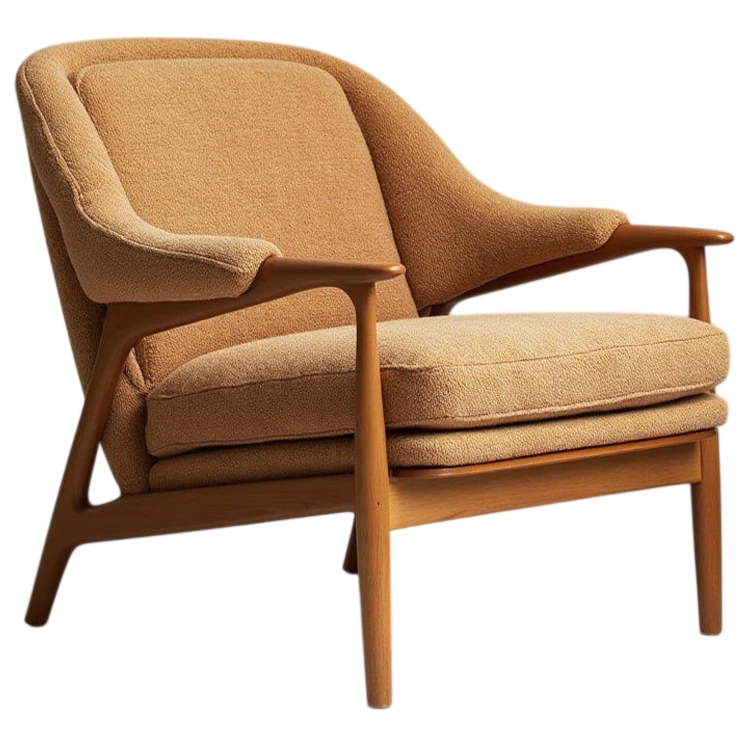
Create and manage products, variations, SKUs, configurations, and product details.
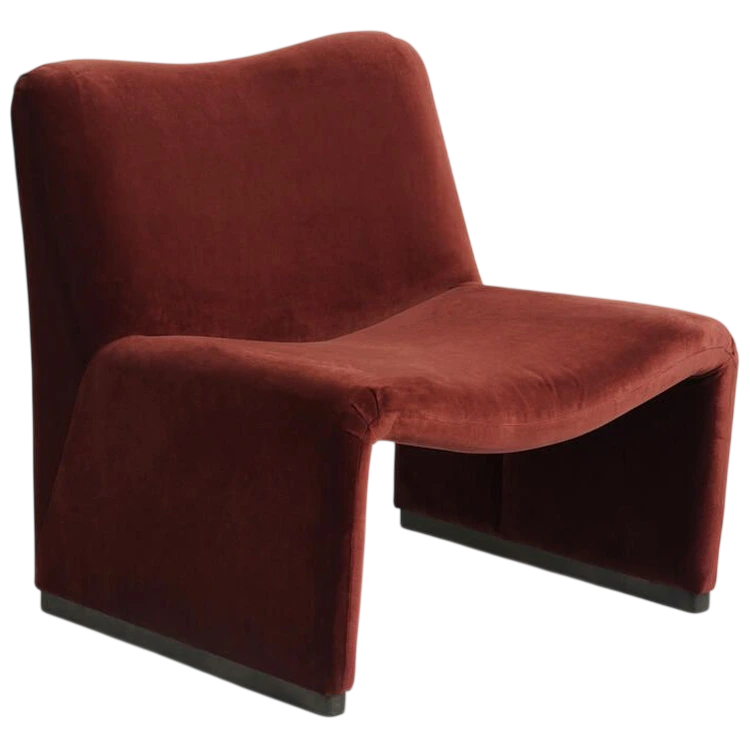
Keep finishes, materials, features, designs, and shared product standards organized.
Prepare product information for use across your website and online storefront.
Manage vendors, warehouses, stores, lead times, delivery, and product movement.
How many tools does it take to run your store?
From room planning and presentations to product management and orders, aêtava brings more of your daily work into one subscription.










Separate subscriptions can add up to thousands of dollars a year. aêtava helps you reduce those costs by bringing more of your work under one roof, with your products, designs, and orders connected.
A few things you might be wondering.
How setup works, what happens to your existing tools, and what your team can expect from aêtava.
How does aêtava work with our website?
We help integrate Styleboard into your website so customers and trade account holders can sign in, explore your products, and build their own boards. You can also use it only for your team’s design consultations and client projects. We’ll work with you to choose the setup that fits your store.
Do we need to replace our existing POS or online store?
No. You can keep your existing POS and online store. We build your furniture catalog in aêtava around the details your team and customers need, including sizes, configurations, finishes, design features, and individual SKUs. During onboarding, we’ll establish how aêtava works alongside your current systems and which connections your setup supports.
How do you bring our product catalog into aêtava?
We handle the initial catalog setup with you, using your existing product photos and information as the starting point. We organize product details, sizes, configurations, finishes, and SKUs, then prepare the products for use in boards, layouts, and customer presentations. Together, we identify any missing information needed to complete the setup.
Can we start with a small selection of products?
Absolutely. Start with a focused collection, a room category, or the products your team sells most often. You can test the workflow with that selection and expand your catalog as your team gets comfortable.
How are fabrics, wood finishes, and other materials managed?
During setup, we prepare a shared library of your fabrics, woods, metals, and other finishes, then connect each product to its available options. Those materials can be used when creating product visuals and renders. As your collection changes, new finishes can be added to the library and assigned to the relevant products.
How do we keep prices, availability, and lead times updated?
Your team is responsible for keeping this information current, and we help you set it up correctly from the start. Prices can be managed at the product or individual SKU level, so different sizes, finishes, and configurations can have different prices. Lead times can reflect stock availability, shipping zones, and shipping classes. You can also use aêtava’s AI assistance to make supported pricing updates without editing every product individually.
Can aêtava include our stores, warehouses, and suppliers?
Yes. We work with you to set up your stores, warehouses, suppliers, and the supply chain connections between them. This helps your team understand where products are coming from and how availability and fulfillment affect the order. We’ll help refine that information around the way your business operates.
What is included in the subscription, and what support do we get?
Your plan includes a monthly allowance of AI credits for renders and generated visuals, along with your product catalog, variants, SKUs, and supply chain network. Your team and customers can create unlimited Styleboards, and you can use blueprints, manage and track orders, and review insights.
Catalog size, blueprint allowances, included product updates, and AI credits depend on your plan. We also provide onboarding, a team walkthrough, and ongoing help with questions and technical issues. Visit our pricing page for plan details, activation fees, and additional credit options.